

Your profile and settings
Updated · 1 min read
Your profile shows who Sandbox Studio thinks you are, lets you manage multi-factor authentication, and keeps a log of what you have done. To open it, choose your name at the top right, then My profile.
Profile tab#
Section | What it shows |
|---|---|
Your profile details | Your name and email, Your role (User, Manager or Admin), Your sign-in methods (for example Google and Email), and when you first and last signed in. |
Two-factor authentication | Your authenticator app and text message (SMS) settings. Shown when you have an email sign-in and your organisation has MFA turned on. See Multi-factor authentication. |
Your groups | The groups you belong to, and whether each membership is managed in Sandbox Studio or comes from your organisation's sign-in. Managers and administrators use groups, for example to decide who approves requests. |
Your name, email and role come from your sign-in or are set by your administrator. If something is wrong, ask your administrator.
Activity tab#
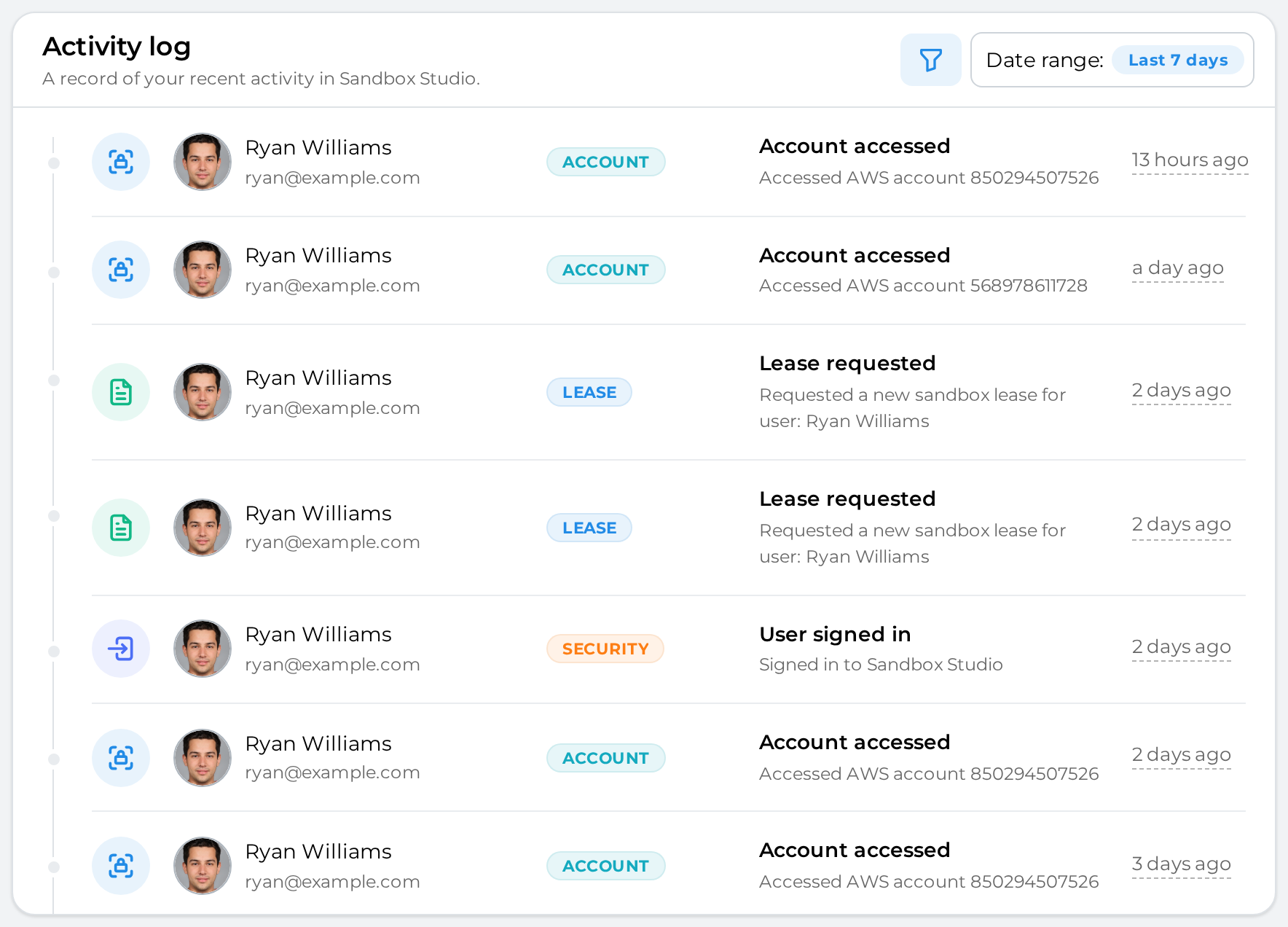
The Activity log is a record of your recent actions in Sandbox Studio, such as signing in, requesting accounts and opening the AWS console. Use the filter and Date range to narrow it down.
Language and dark mode#
Use the top bar to change how Sandbox Studio looks for you:
Language: choose the language code (for example EN) and pick English or Français.
Dark mode: choose the moon icon to switch between light and dark mode.
Your choices are remembered in your browser.
API access#
Choose your name at the top right, then API access, to create personal API clients for scripts and automation. An API client acts with your permissions. See Use an API client for scripts.