Extend budget or duration
Updated · 1 min read
Account limits versus Account templates limits:#
The initial budget/duration of an account (or lease) is set on account creation, based on the account template used.
i.e: If the account template has a budget of $50, then the account created will have a default budget of $50.
The expiration date is calculated on account creation/start. This is particularly important for accounts related to events: The duration countdown will only start when the event (and therefore the lease) actually start, not when it's created.
During the account lifetime, managers and administrators can update the budget/expiration, independently from the account template. They can, for instance, extend the budget or prolongate the lifetime for a particular account without having to change the account template.
Extend account limits#
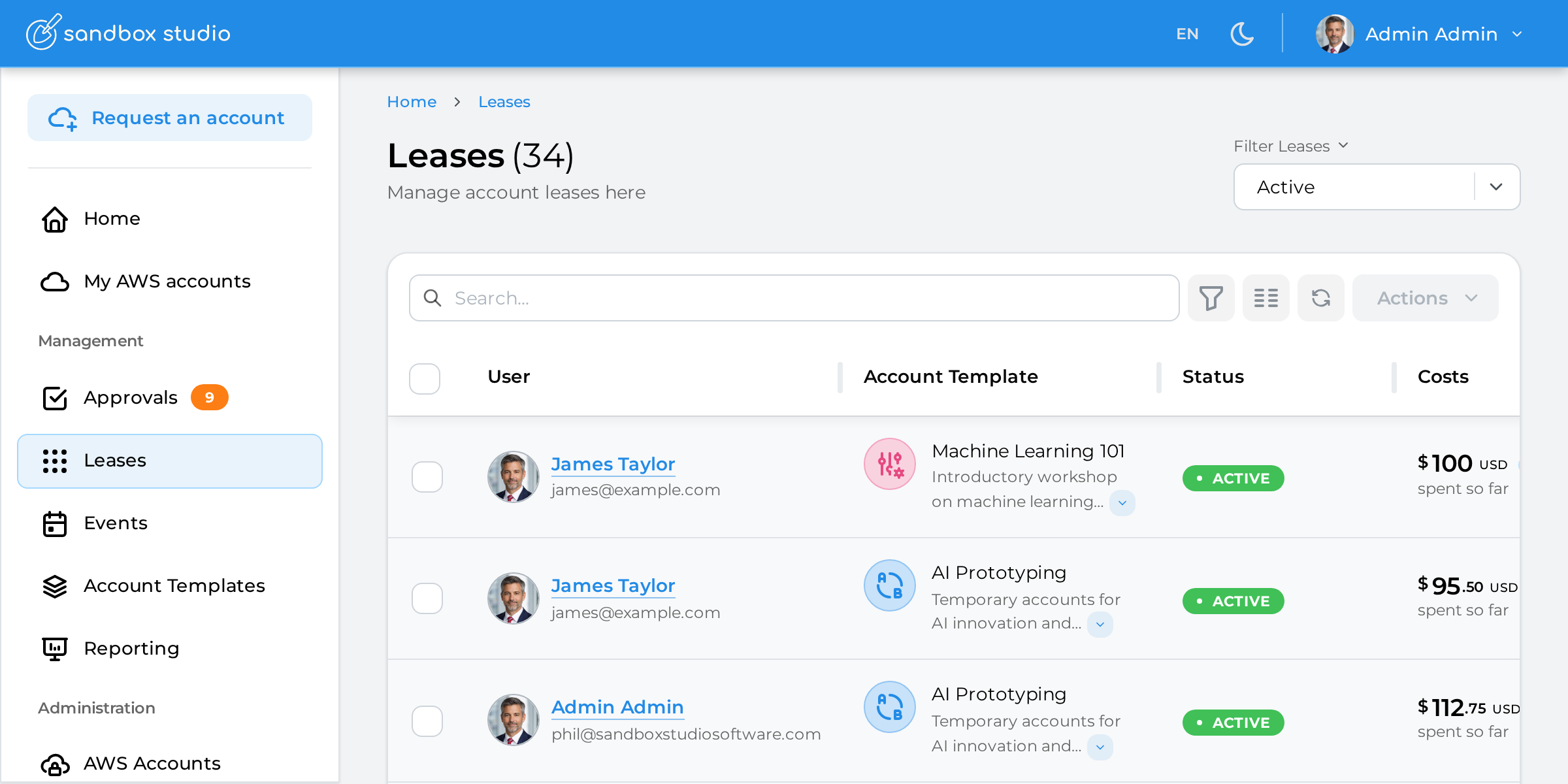
Open the lease you want to extend the budget of by clicking on "Leases" on the left menu and open up the lease:
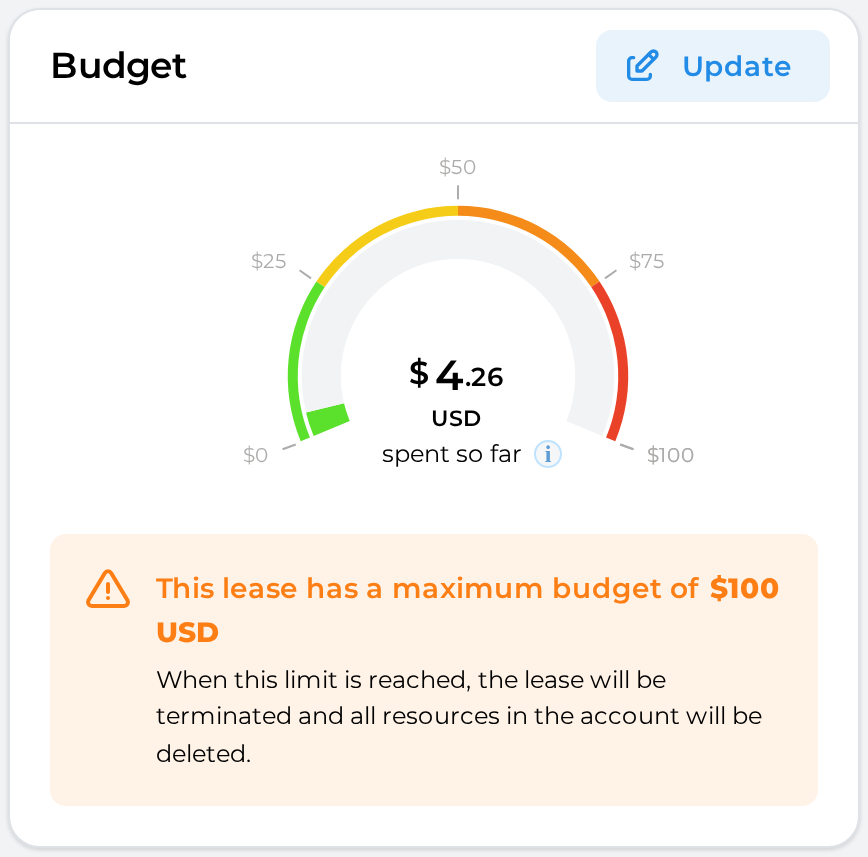
Scroll down to the "Budget" section and click on "Update":
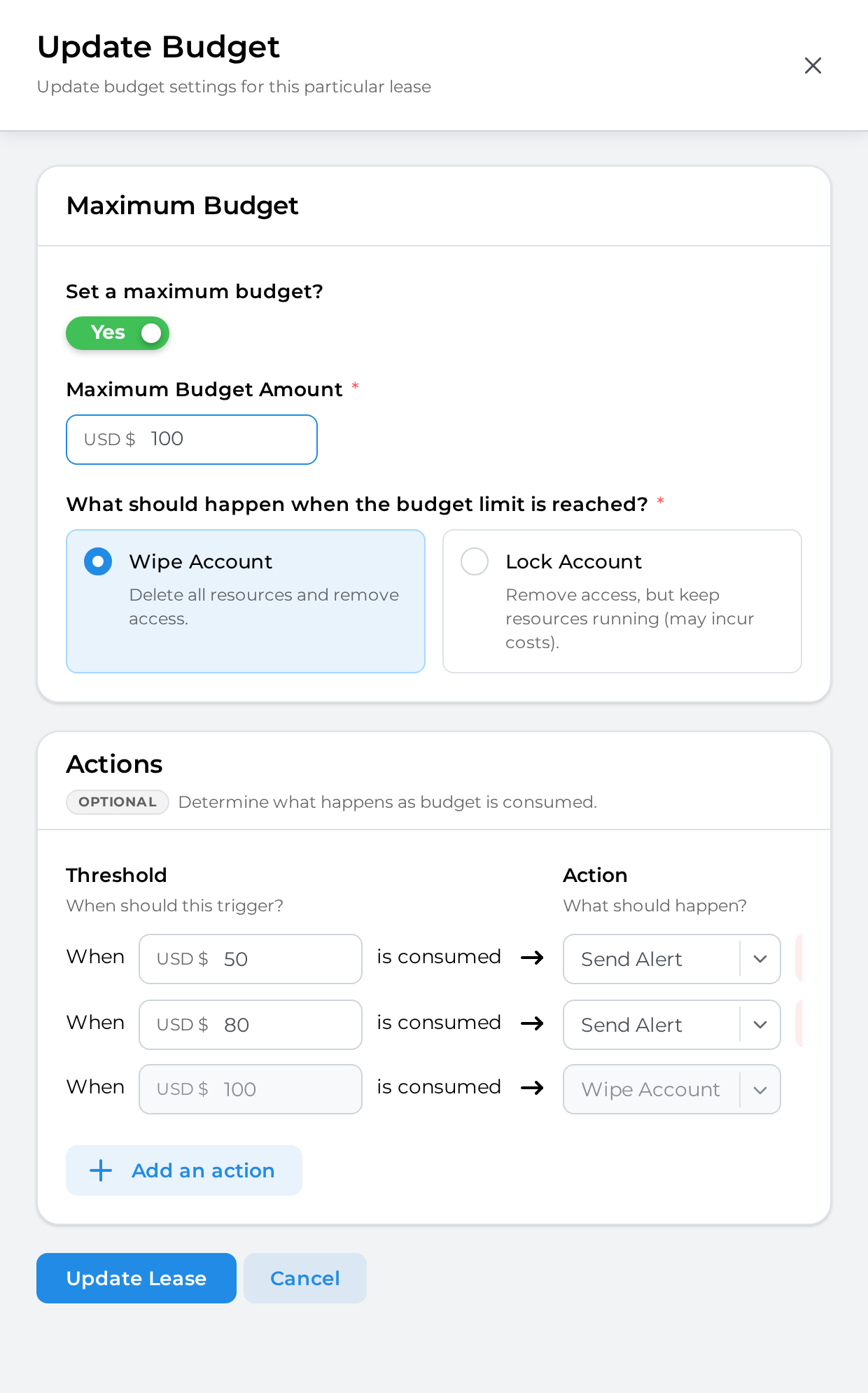
Update the maximum budget, actions and threshold for this lease and click on "Update lease" to finish:
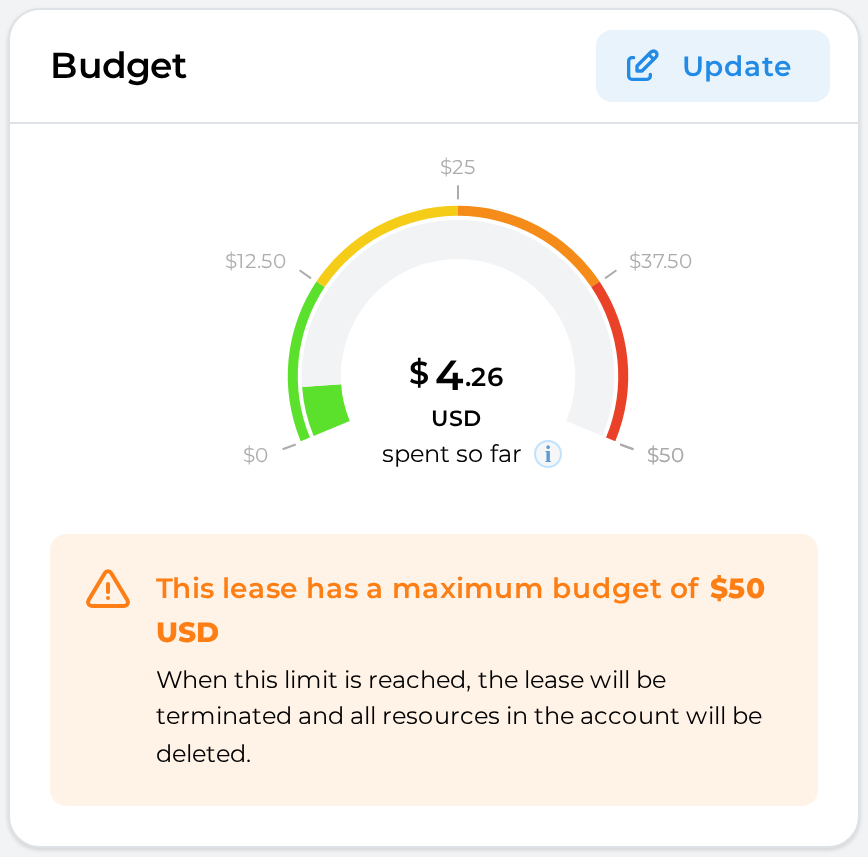
The lease budget gets immediately updated: