Share my account
Updated · 1 min read
Accounts can be shared with other users either at creation time (see [Requesting a New Account]([[bsexport:page:47]])) or after the account is active.
Shared users receive the same access permissions as the account owner, making this feature particularly useful for group projects where multiple people need access to the same resources.
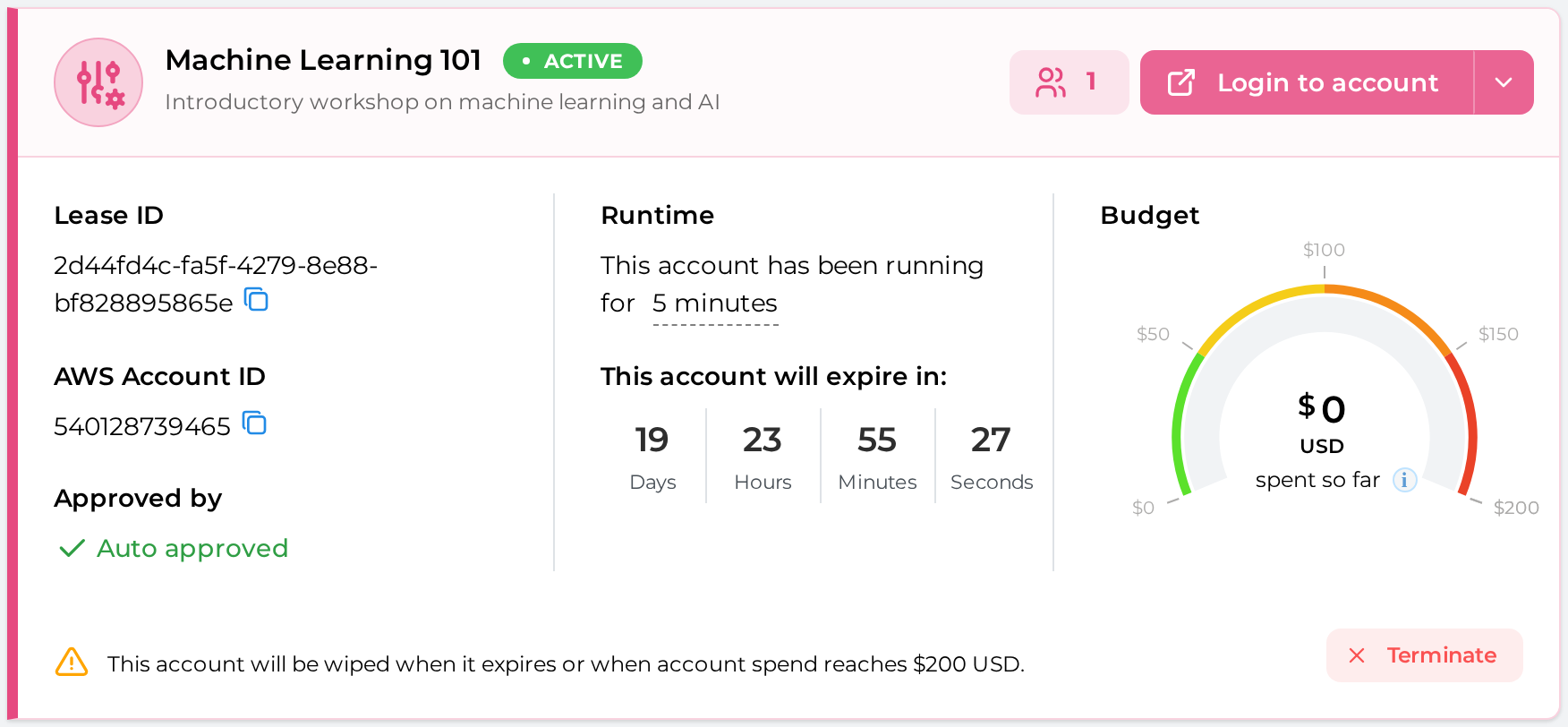
To access Sharing option, click on the "Teams" icon in your account list:
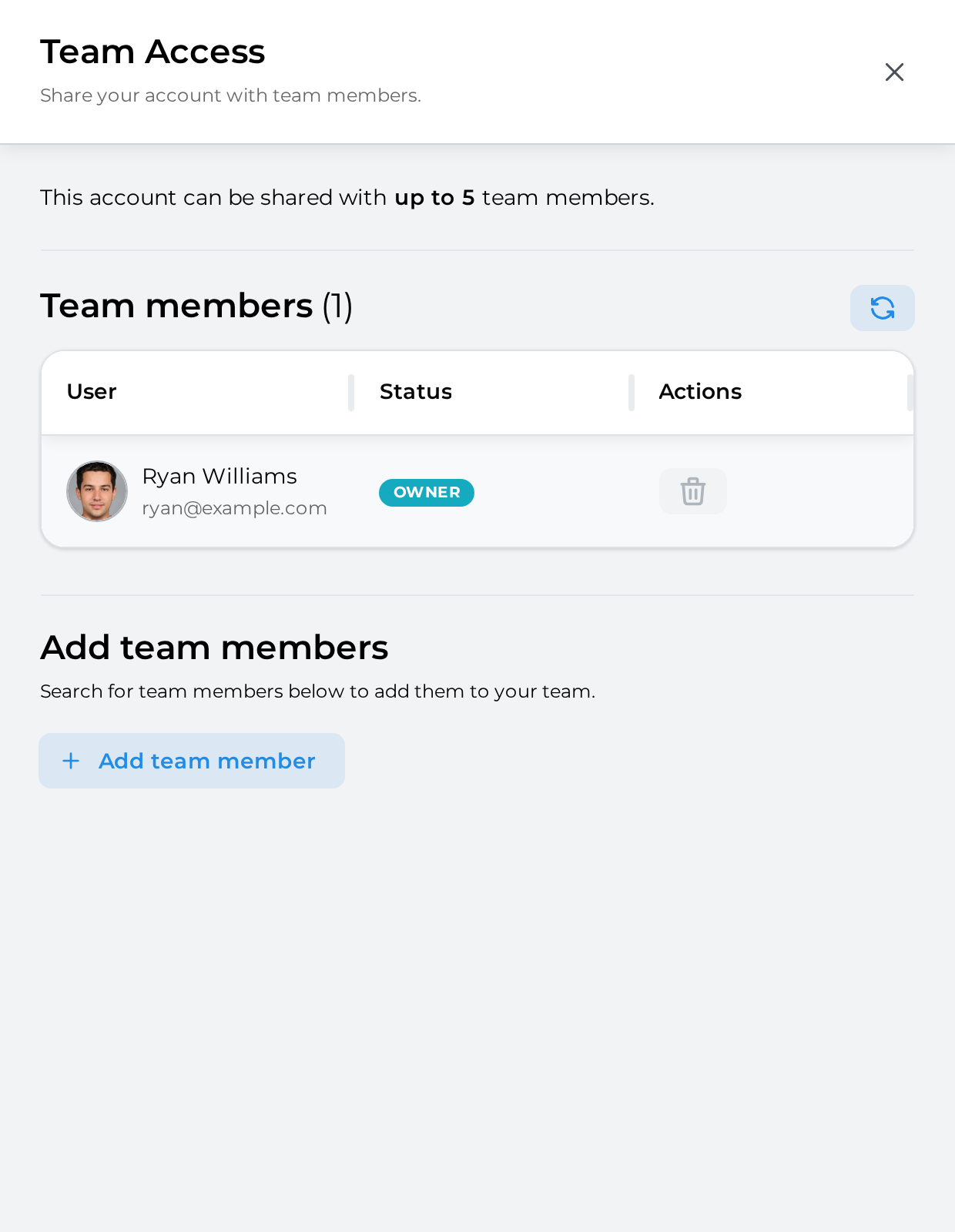
In the side panel, sharing details (or "Team Access") is displayed:
Maximum team size:
Current team members
Adding a new team
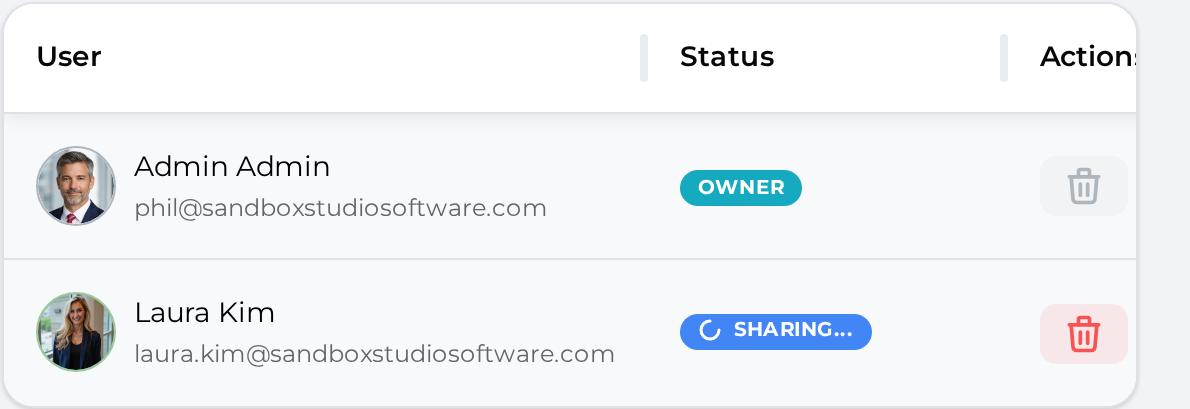
During that time, the account shows as "Sharing...":
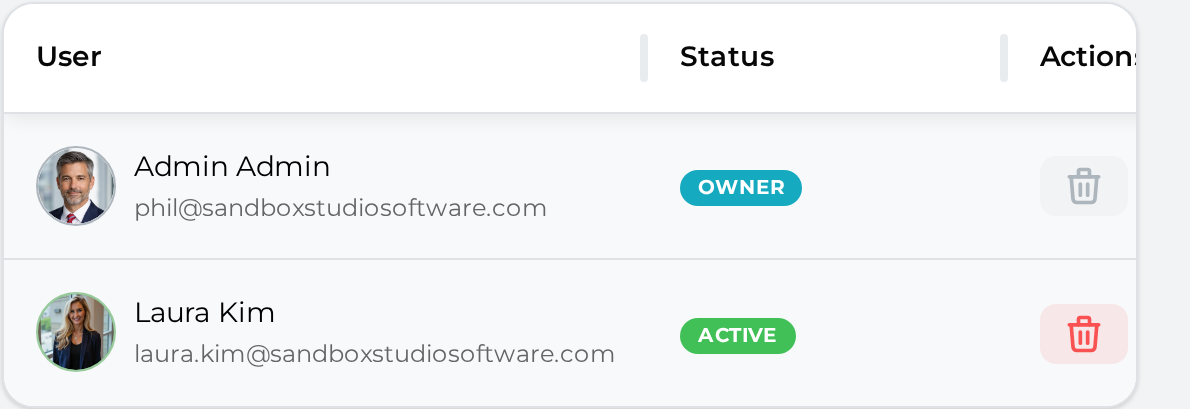
After a few seconds, the account share becomes active and is shown as below: