

Event creation - Basic details
Updated · 1 min read
First step of the event creation wizard is to set the basic information to describe your event:
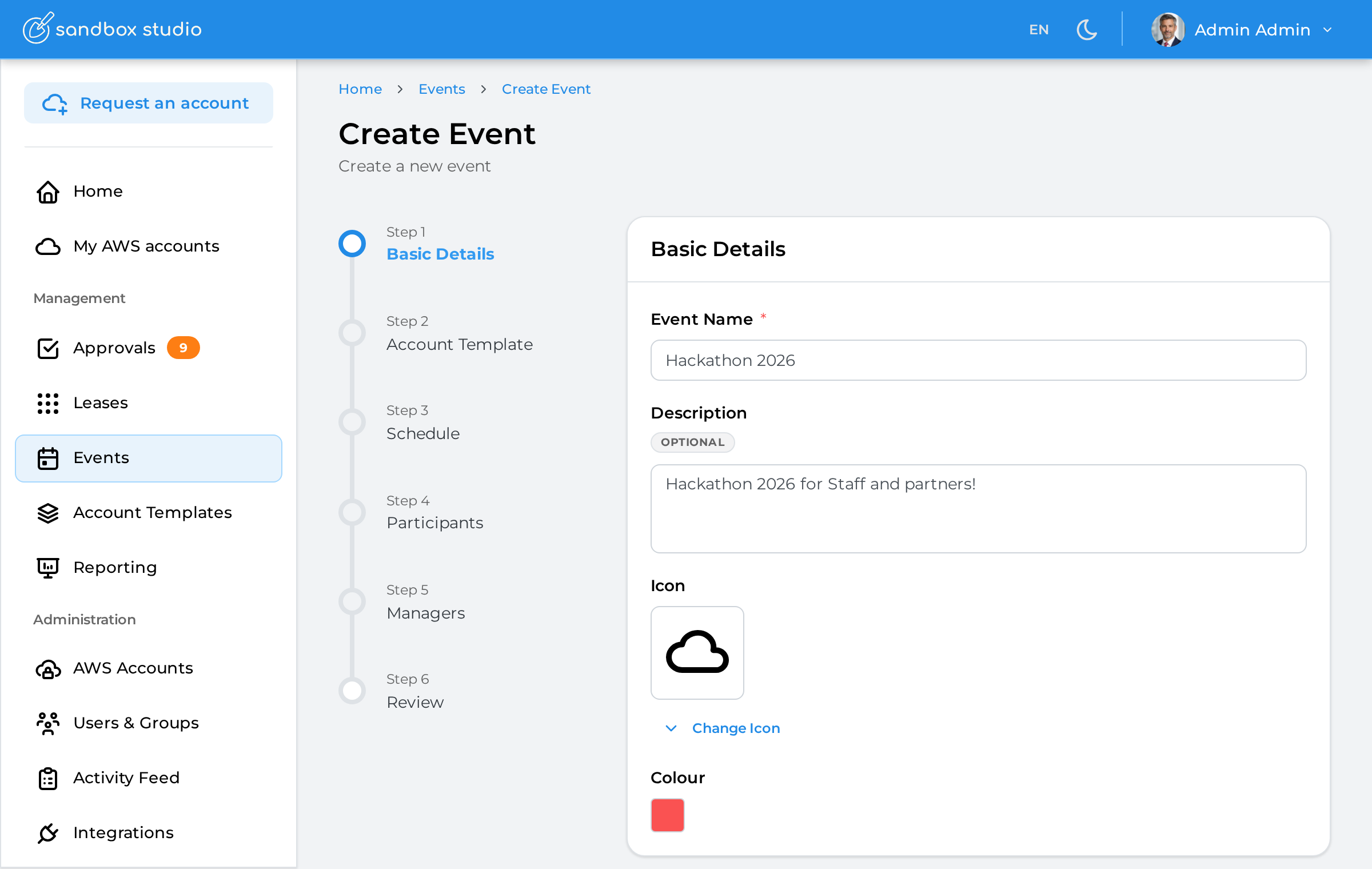
Name of the event: Remember, this is will be used by your users to find your event, so make it unique and easy to find!
Description of the event
Icon: Choose the icon to identify your event
Colour: Choose the colour of your event
Having completed all the fields on the Basic Details page as needed, click on Next to move to Event creation - Account template