

Account template creation - Overview
Updated · 1 min read
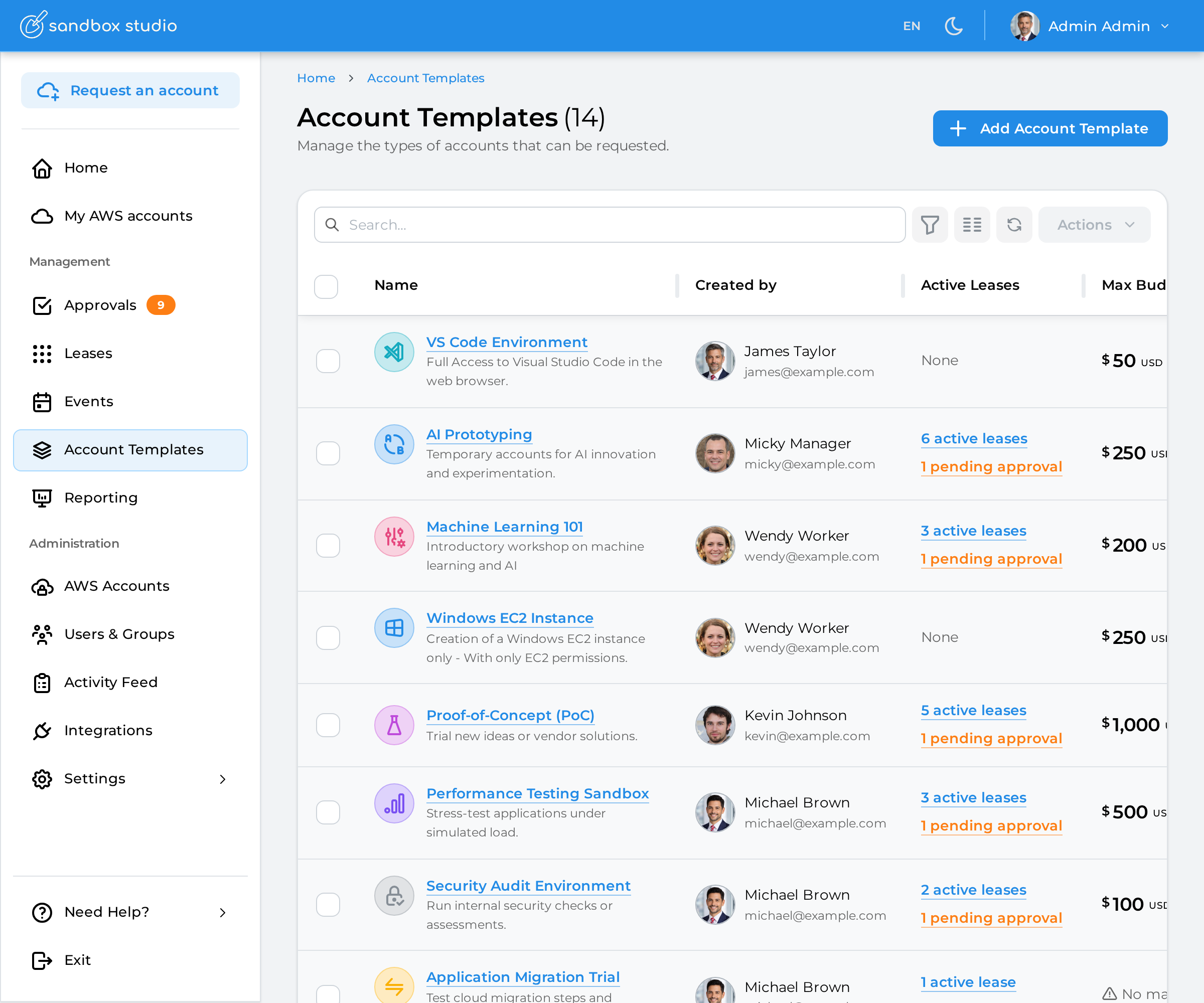
To create a new account template:
Click on "Account Templates" on the left menu
Click on "Add Account Template"
Creating an account template is a 7-step process that can be done from scratch or use an existing template from Sandbox Studio.
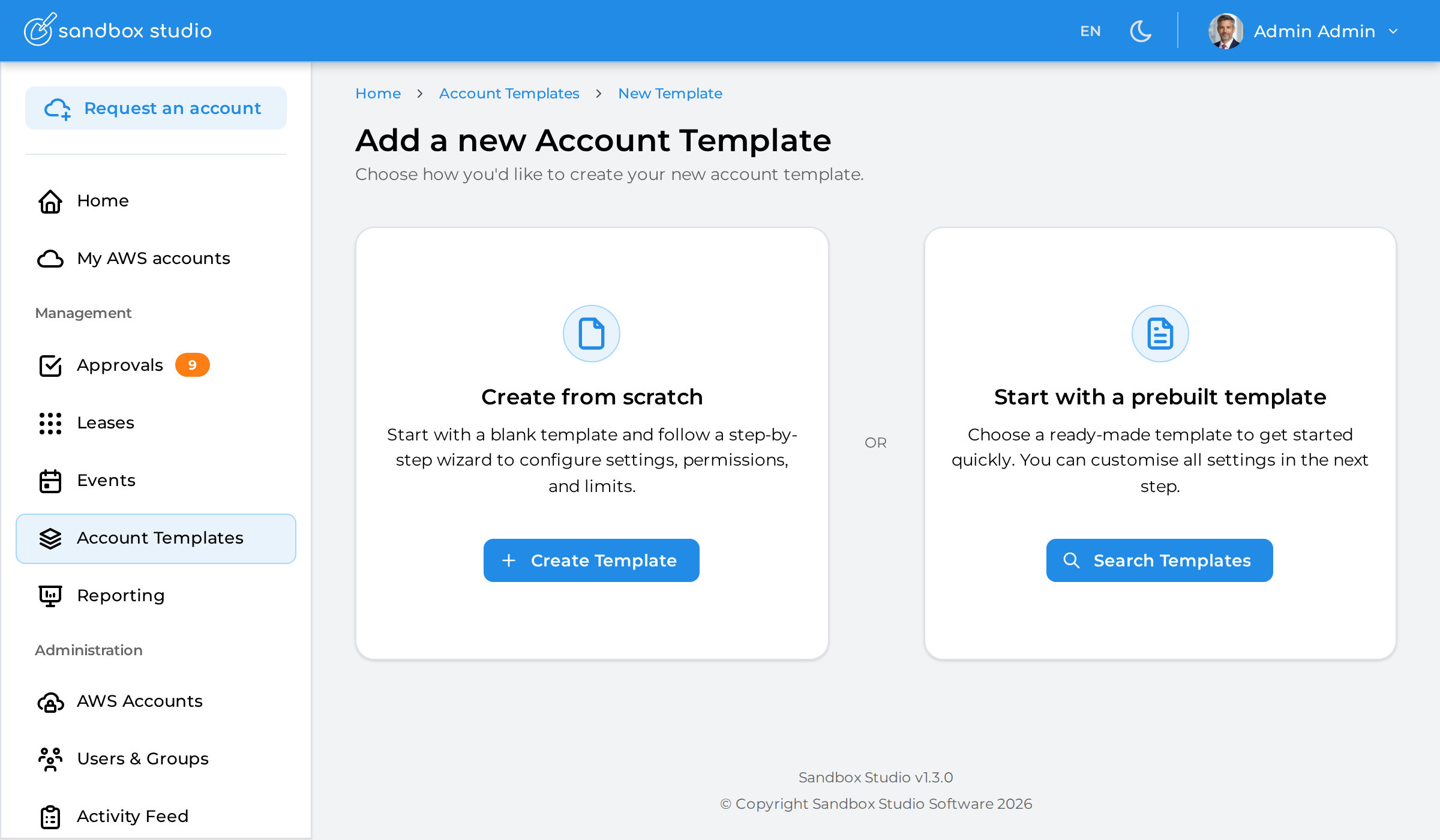
In this documentation, we will create an account template from scratch. Using a prebuilt template is identical but has pre-defined values.
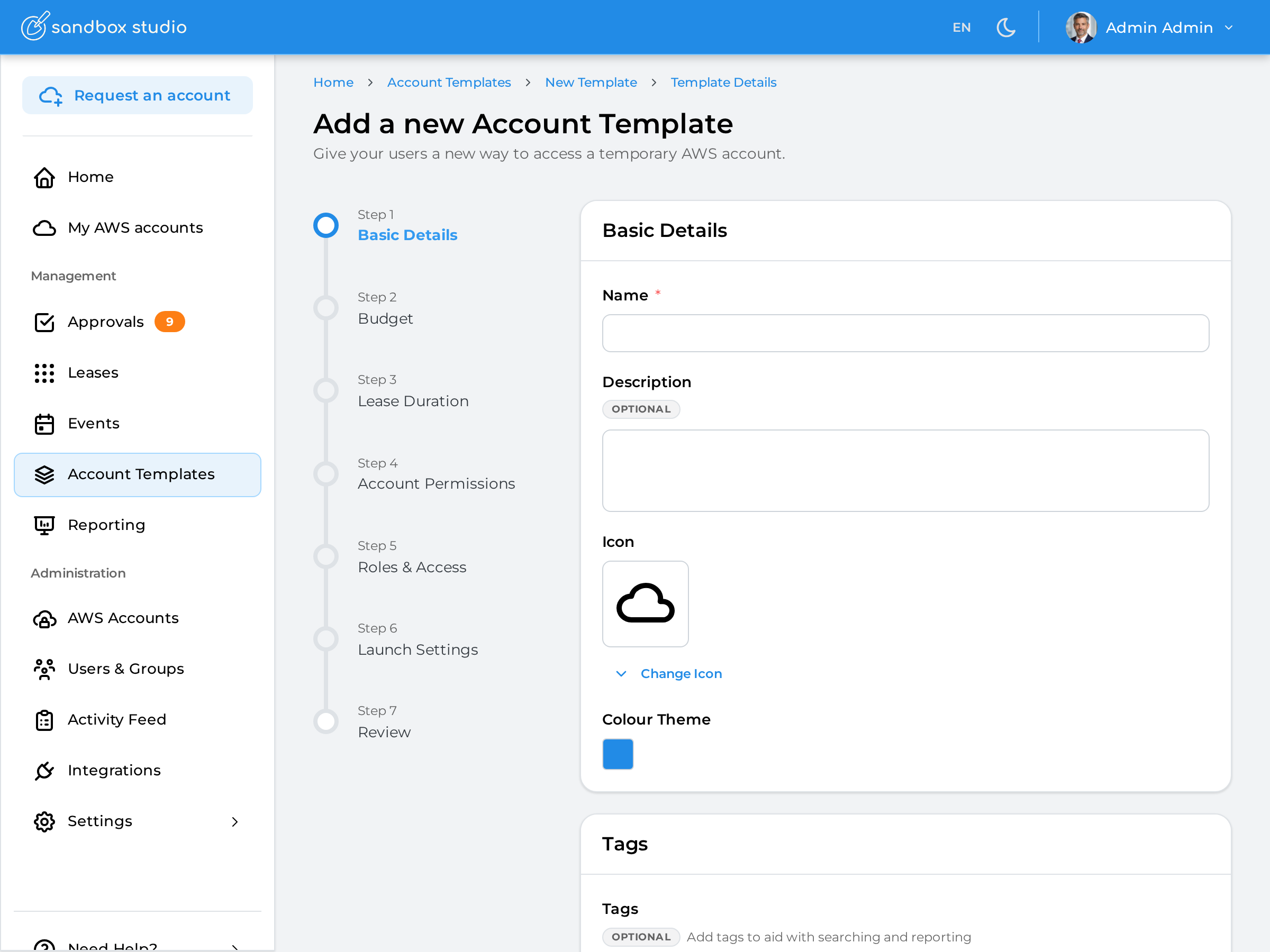
Each step of the process is explained as follows: