

Uninstall Sandbox Studio
Updated · 1 min read
Introduction#
This wizard has been created to facilitate the uninstallation of Sandbox Studio in your environment. It automates as many steps as possible and deletes the data managed by the solution.
Running the wizard#
Login to your AWS Organisation Management account.
Open a new CloudShell console (a link to open CloudShell can be found in the bottom left corner of the AWS console).
Ensure you are in the region where you want to install Sandbox Studio.
Run the following command:
bash <(curl -s https://dist.sandboxstudiosoftware.com/install.sh) --uninstallThe following should display:
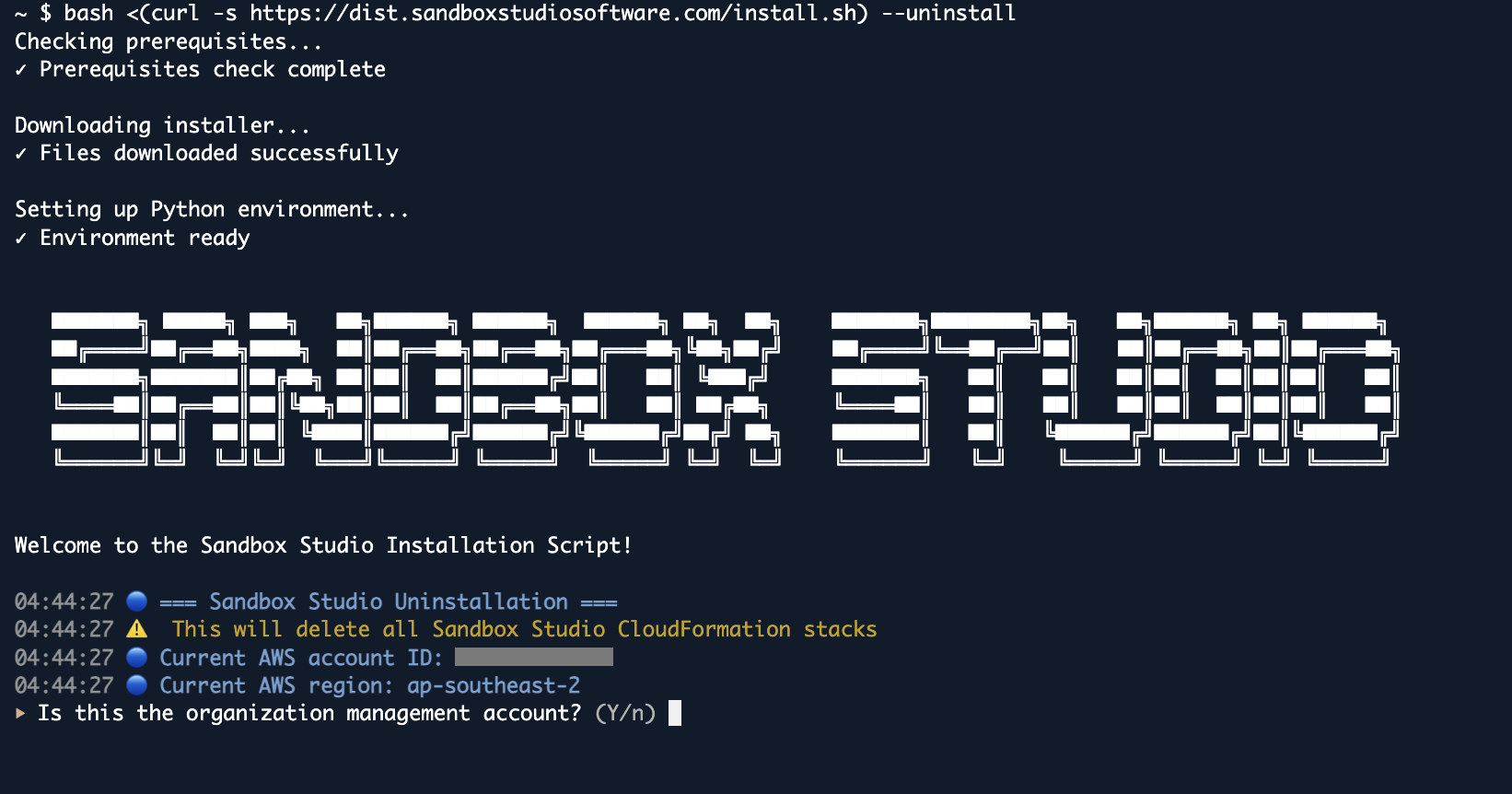
The wizard will guide you through the uninstallation process.