

Event creation - Participants
Updated · 1 min read
This step allows you to define how many accounts (leases) you want to have as part of your event.
For instance, for a hackathon with 5 participants, you would define 5 accounts:
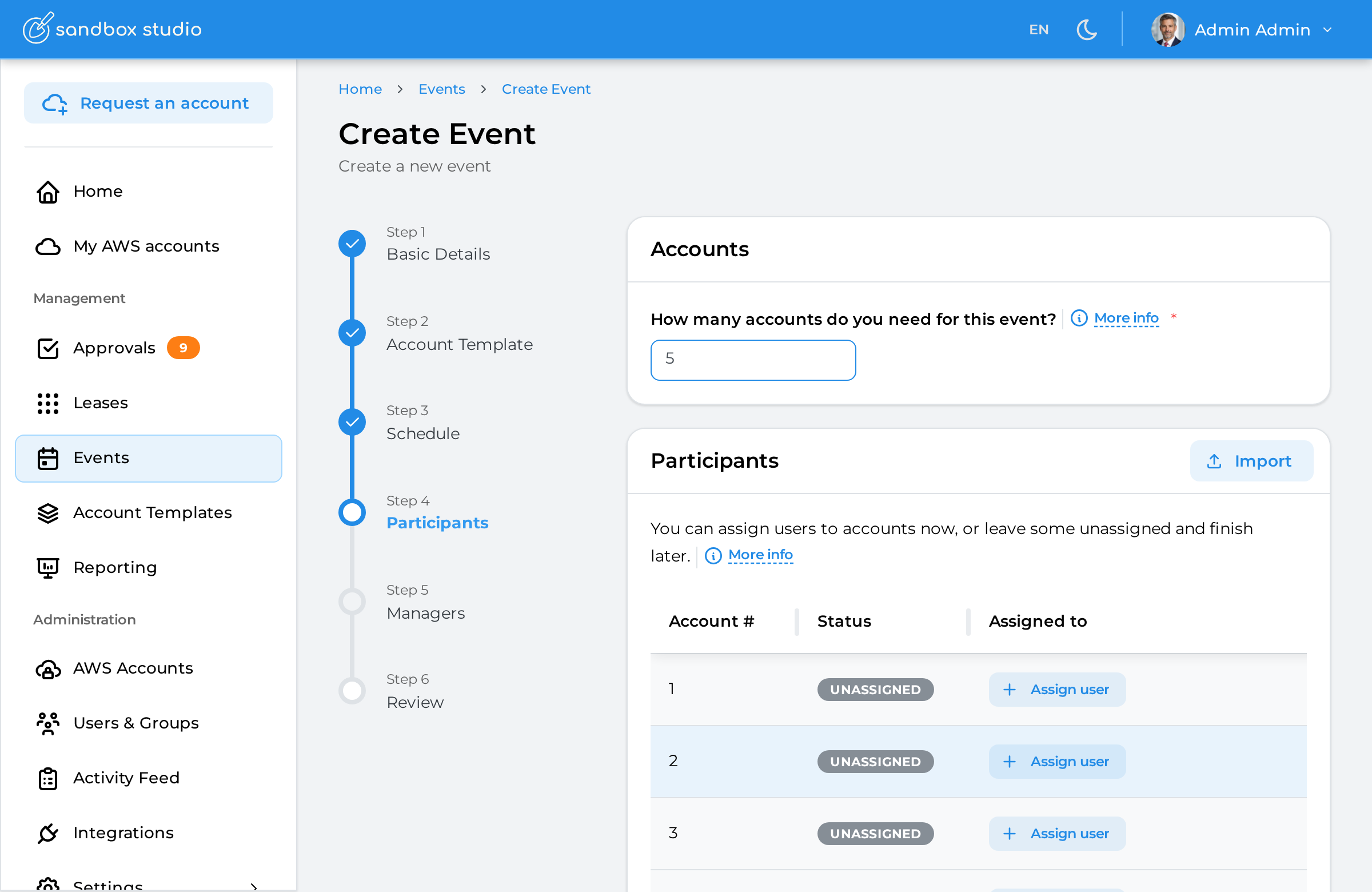
Set the number of accounts you want to create
For big events, you can import a CSV file with the list of events
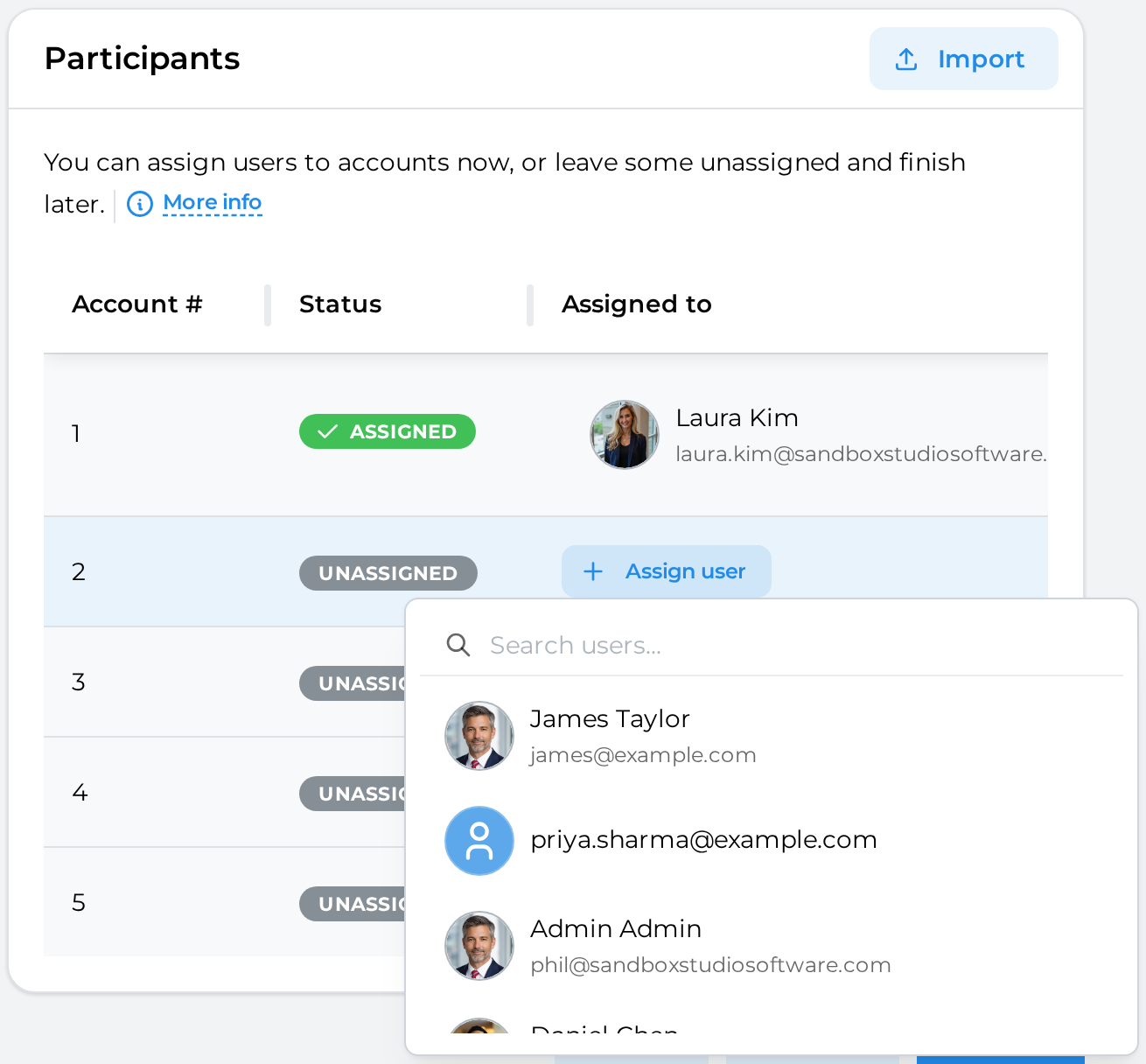
Assign users to the event you will create
How to assign user to an account#
Click on the "Assign user" button and select the user you want to assign to an account. Once assigned, the status becomes "Assigned"
How to import a CSV#
Click on the Import button:

You can then Drag and Drop your CSV file:
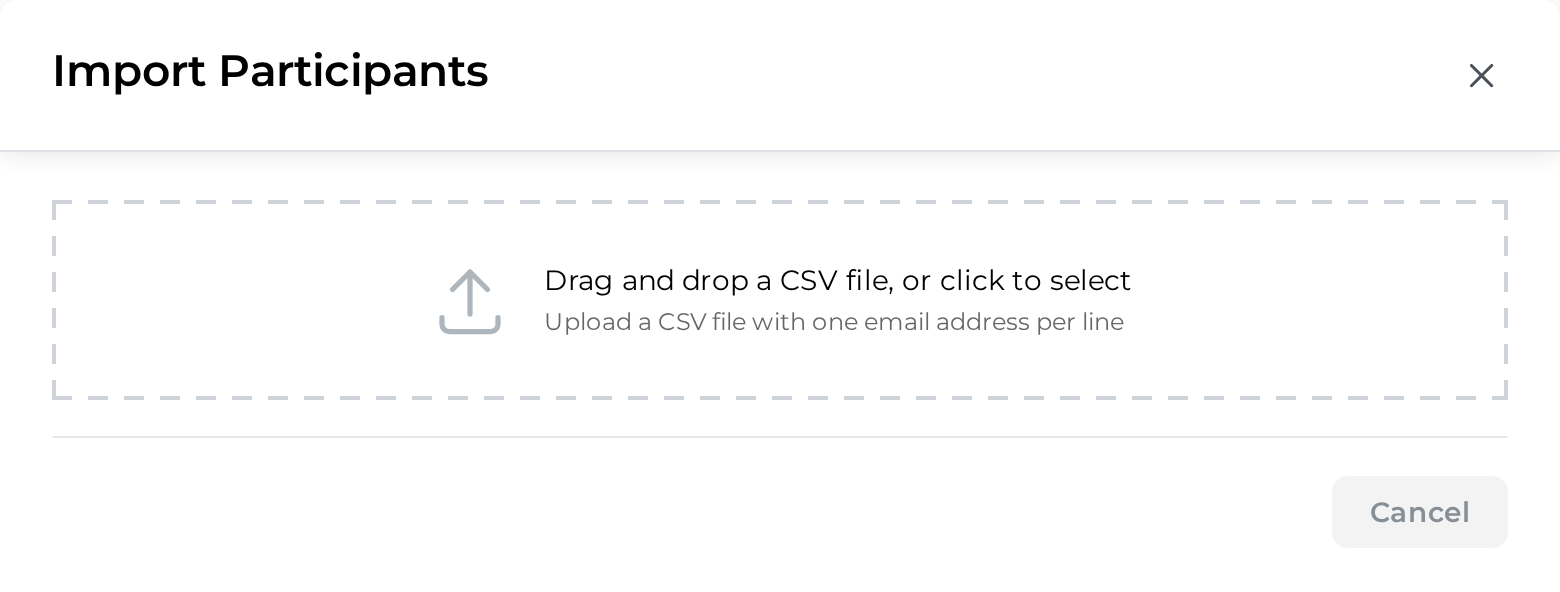
Format of the CSV file is as follows:
email1@example.com
email2@example.com
email3@example.com
Sandbox Studio will then check the CSV file:
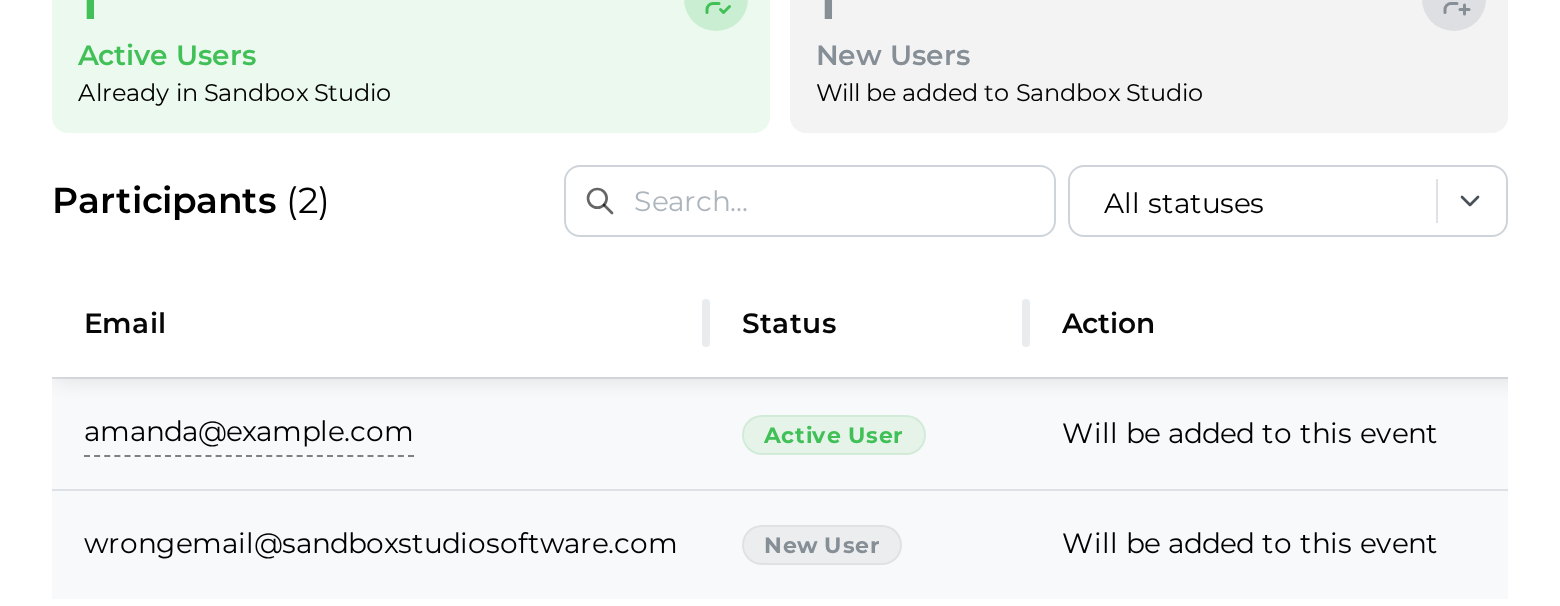
After a few seconds (depending on how many users are in the CSV file):
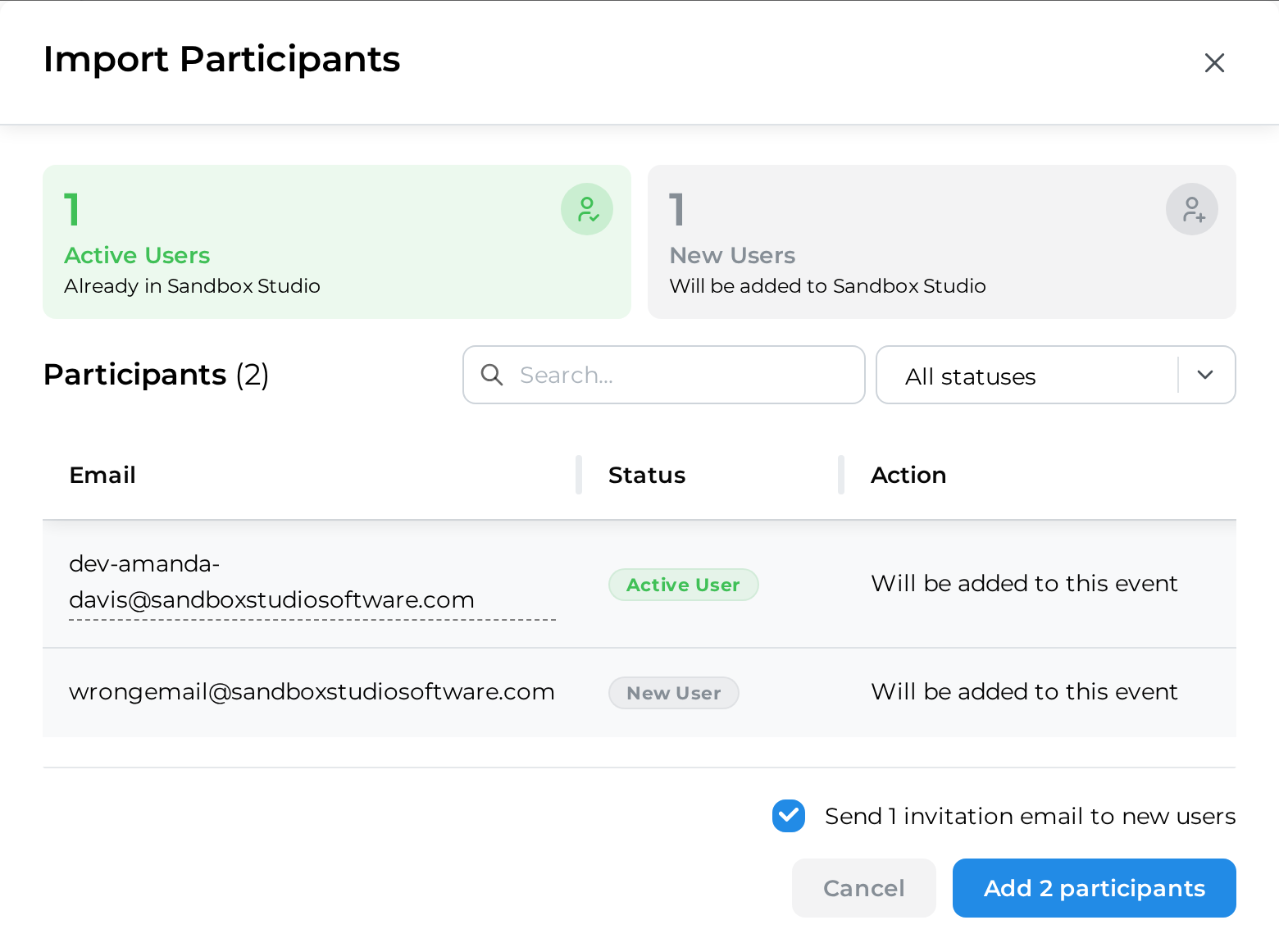
Only the found users will be added to the event:

Once account numbers are set and users assign, click Next to Event creation - Managers