Locking & unlocking an account
Updated · 1 min read
Managers and Administrators can lock (and unlock) accounts. Accounts can be locked if they are over budget or if they have expired.
Lock an account#
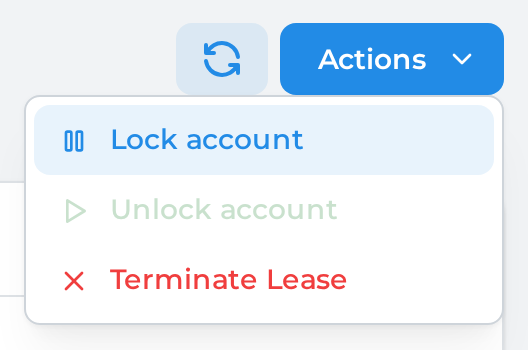
From the lease details page, click on the Actions button and select "Lock account":
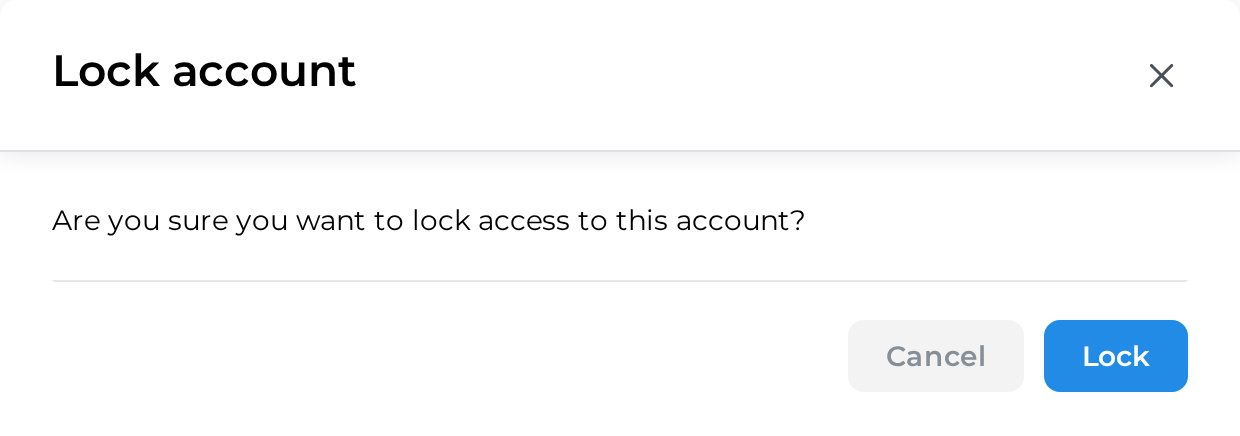
Confirm the action by clicking on "Lock":
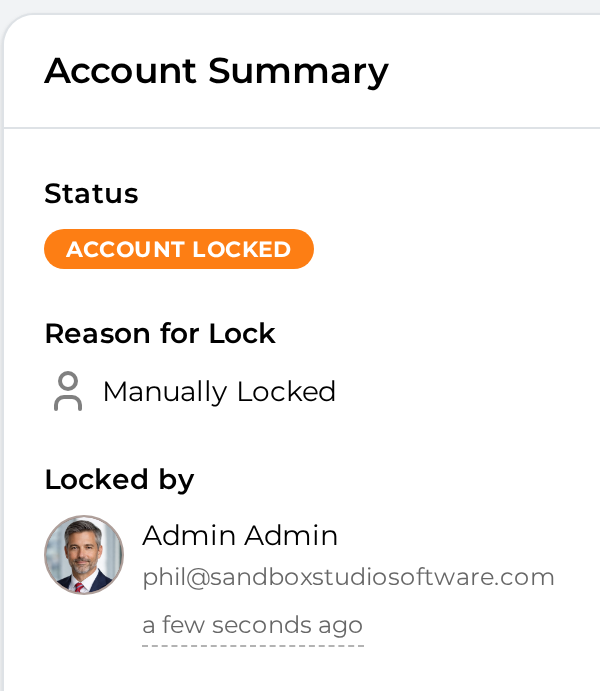
The account status changes to "Account locked" and name of the user who locked the account is shown:
Unlock an account#
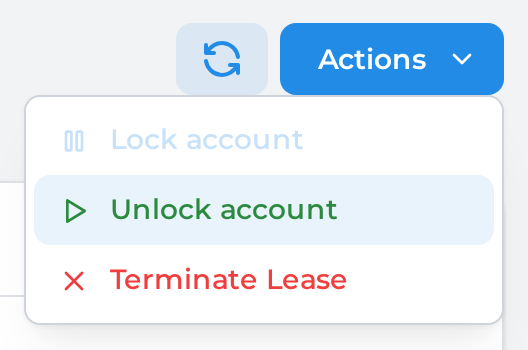
From the lease details page, click on the Actions button and select "Unlock account":
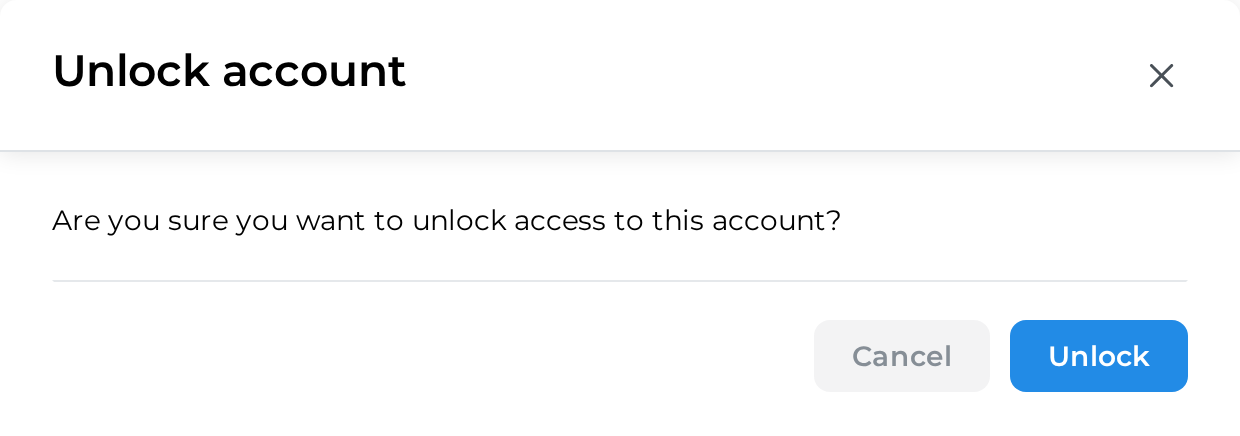
Confirm the action by clicking on "Unlock":
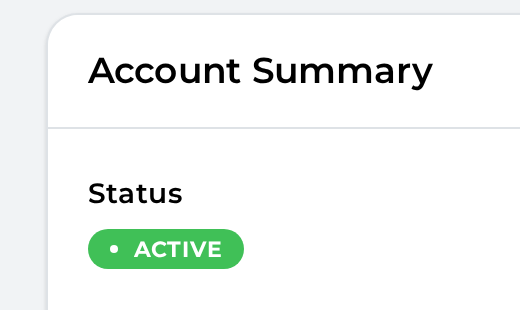
The account status return to its previous state:
Lock/Unlock accounts in bulk:#
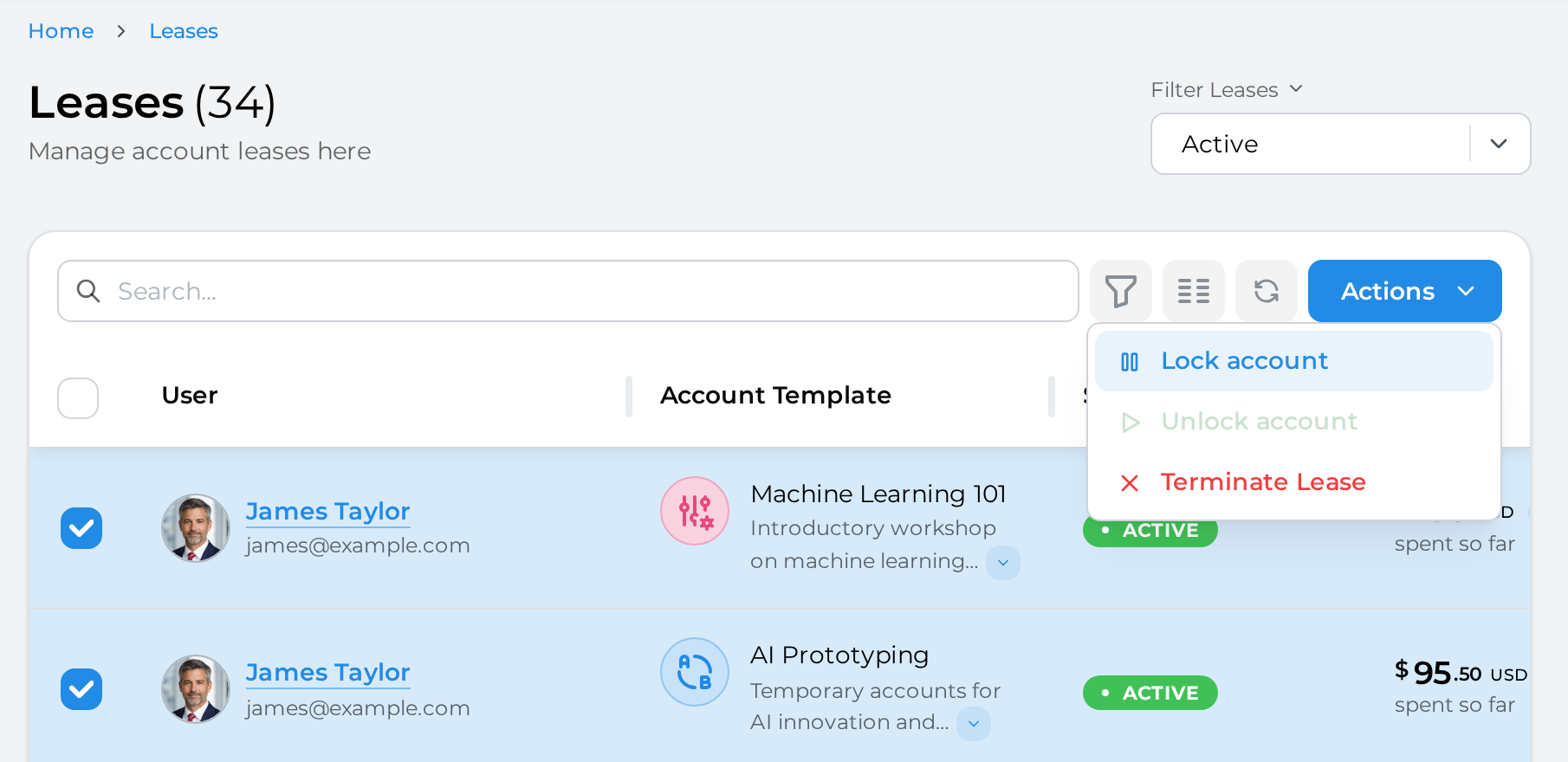
From the leases page, select the accounts you want to lock/unlock and click on the "Actions" button and select "Lock account"/"Unlock accounts":