

Roles and access
Updated · 1 min read
The Roles & Access step sets whether users can share their accounts, whether requests need approval, and who approves and manages leases from the template.
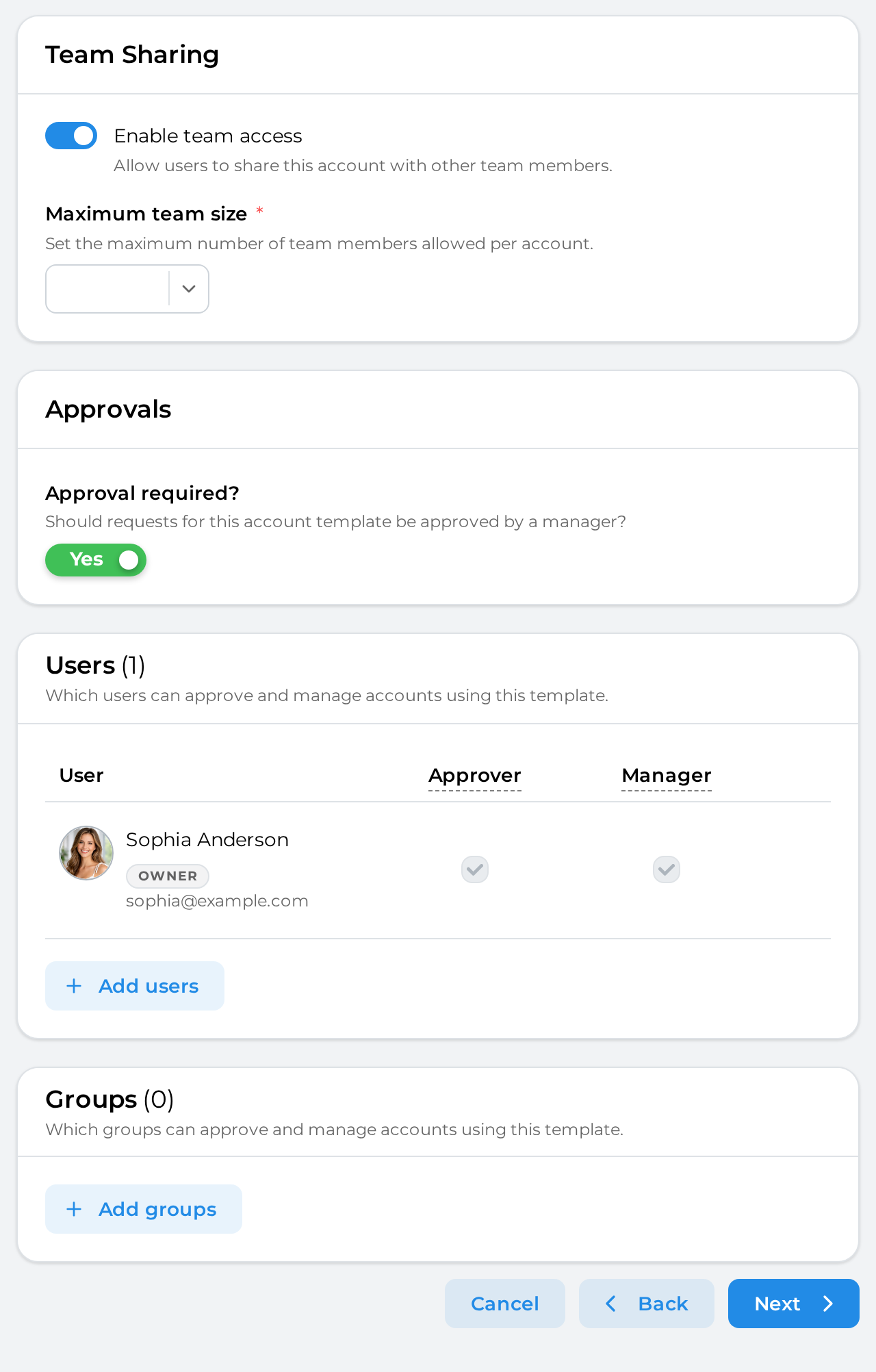
Team sharing#
Turn on Enable team access to let lease owners share their account with other users, then choose a Maximum team size (2 to 100). The team size includes the owner, so a size of 4 means the owner plus three others. Everyone in the team uses the same AWS account.
Team sharing is off by default. See Share my account for how users share.
Approvals#
Approval required? decides whether a request must be approved before the user gets an account.
Yes (default): requests wait on the Approvals page until an approver approves them.
No: users get an account straight away, as long as one is available in the pool.
Require approval for templates with broad permissions or high budgets. Event accounts never need approval.
Approvers and managers#
In the Users and Groups cards, select Add users or Add groups, then tick what each one can do:
Role on the template | Can |
|---|---|
Owner (whoever created the template) | Everything: approve, manage leases and edit the template. |
Approver | Receive request emails and approve or deny requests. Shown only when approval is required. |
Manager | See the template's leases; lock, unlock, terminate and share them; change their budget and expiry; open their accounts, including as an administrator; and edit the template. |
A person can be both an approver and a manager. Administrators can do all of this for every template, whether or not they're listed.