
Locking & unlocking an account
Managers and Administrators can lock (and unlock) accounts. Accounts can be locked if they are over budget or if they have expired.
Once locked, the account is not accessible anymore to the end user, but remains active and accessible to the managers and administrators.
Accounts that are locked keep on incurring cost as existing resources are not stopped.
Lock an account
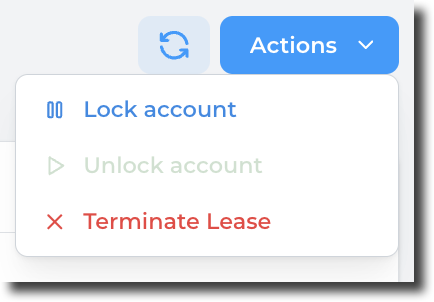
From the lease details page, click on the Actions button and select "Lock account":
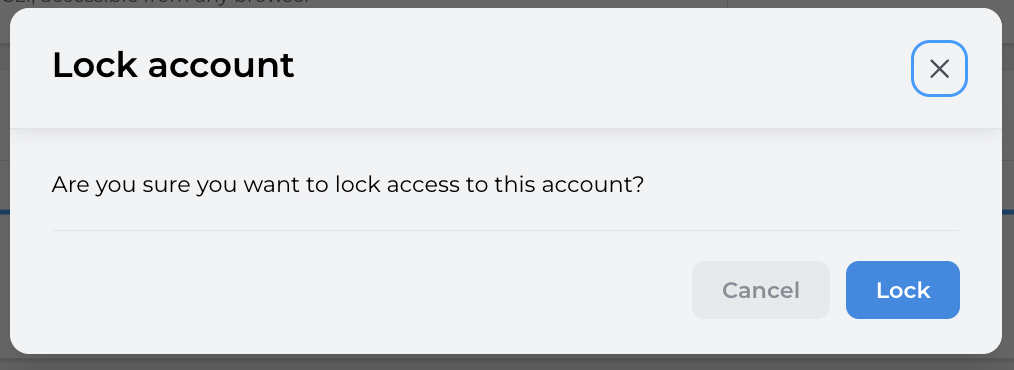
Confirm the action by clicking on "Lock":
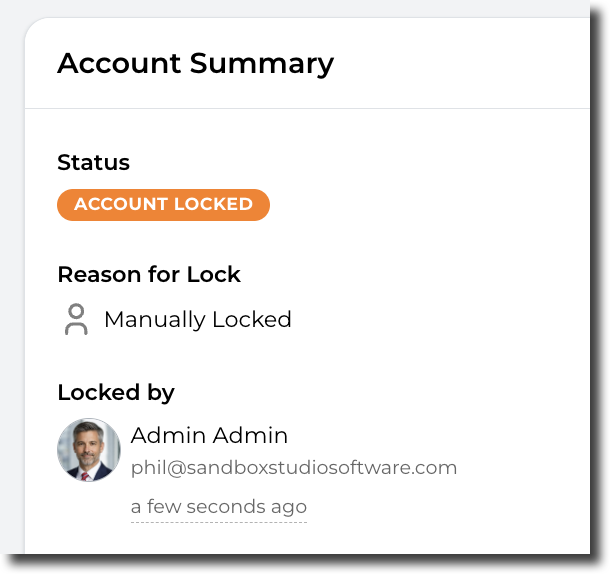
The account status changes to "Account locked" and name of the user who locked the account is shown:
The account owner will be notified by e-mail that the account has been locked.
Unlock an account
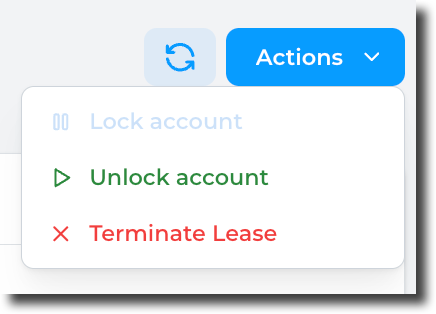
From the lease details page, click on the Actions button and select "Unlock account":
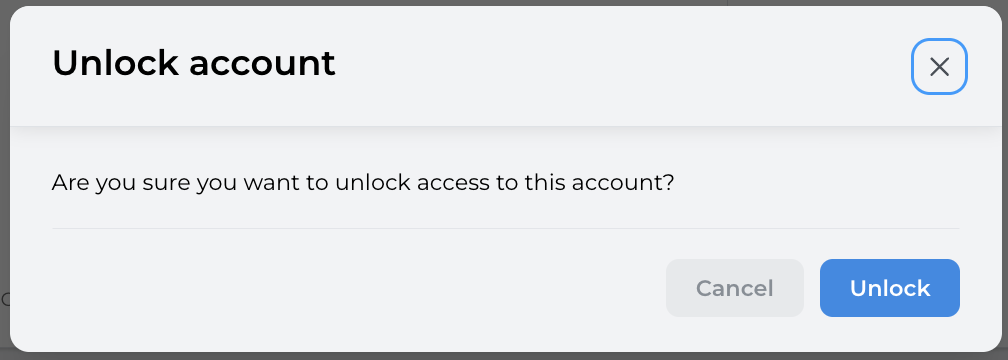
Confirm the action by clicking on "Unlock":
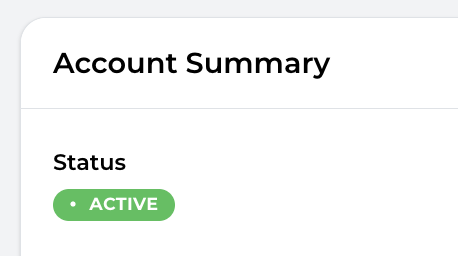
The account status return to its previous state:
The account owner will be notified by e-mail that the account has been unlocked.
Lock/Unlock accounts in bulk:
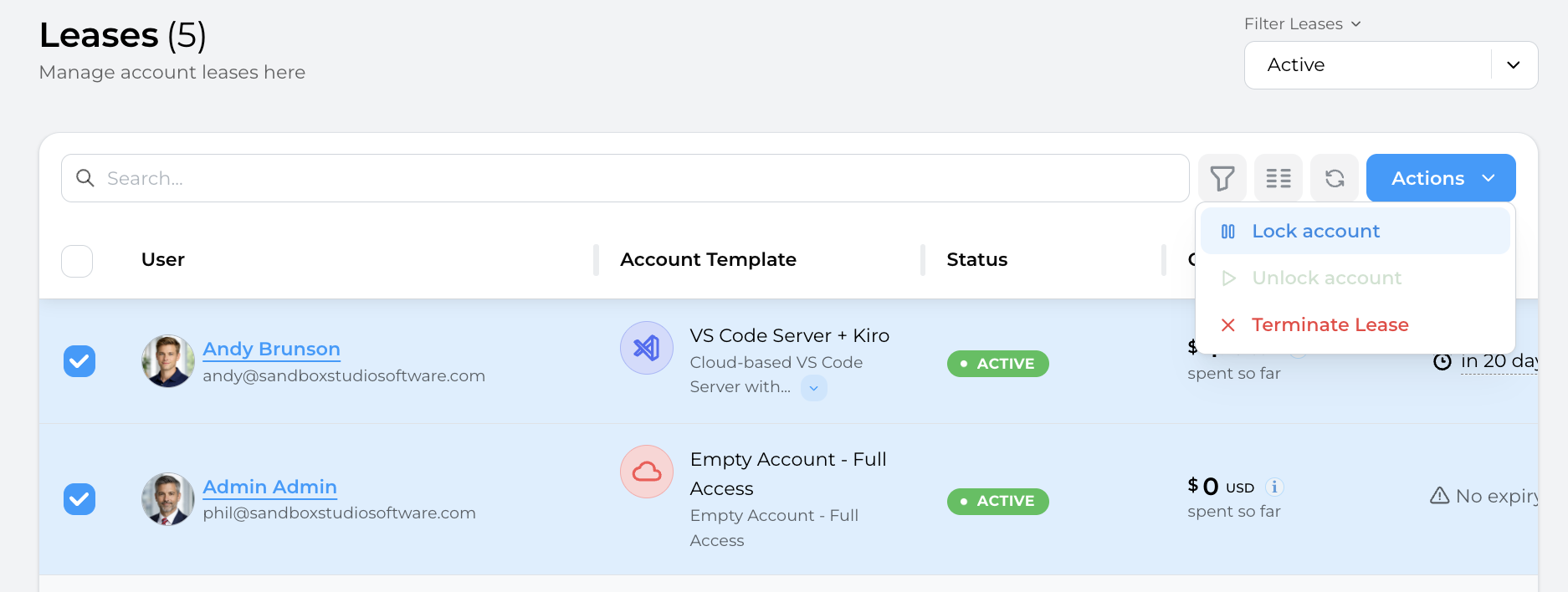
From the leases page, select the accounts you want to lock/unlock and click on the "Actions" button and select "Lock account"/"Unlock accounts":
No comments to display
No comments to display