
Account template creation - Permissions
Using Permissions, you can restrictconfigure whichwhat AWSthe servicesend users can and cannot do in their accounts.
Sandbox Studio uses IAM Identity Center Permissions Sets for permissions. You can see more details explaining each of the sections of this page at https://docs.aws.amazon.com/singlesignon/latest/userguide/permissionsetcustom.html
Default permissions
By default, "Administrator Access" is provided to end users.
Service Control Policies (SCP) are still applied on the accounts and even with Administrator access, some resources and actions aremay allowedbe forblocked usersby onceyour theyAdministrators.
If theirthe AWSdefault accountconfiguration throughsuits Sandboxyour Studio.needs, proceed Eachto the next step Account Templatetemplate cancreation have- differentRoles & Access
Customise permissions
For more granular permissions associated with it
On accessing the Permissions Pageconfiguration, you can either selectcustomise the Yes, use default permissions (The default is Administrator Access which means full access.) or you canprovide selectto the end users by selecting No, I want to customise permissions.permissions:
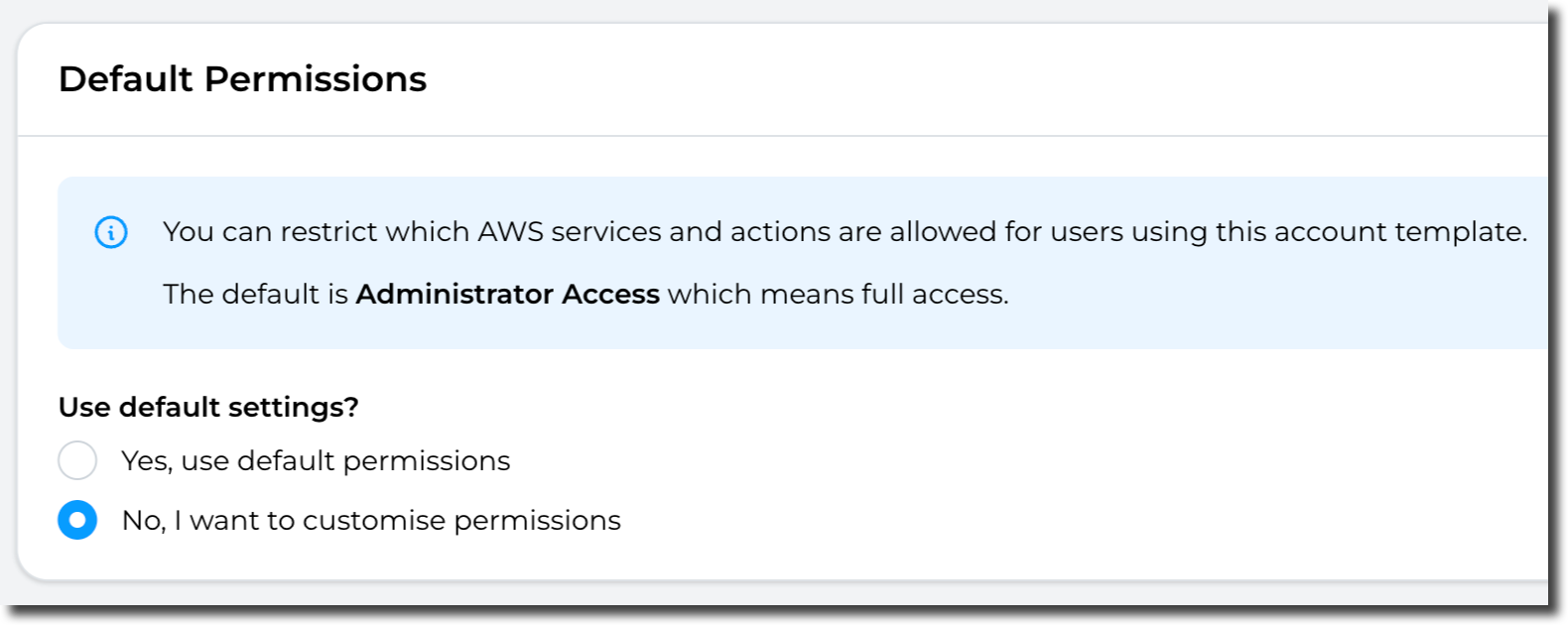
InThe thefollowing event that No, I want to customise permissions (1) is selected, yousections can eitherbe selectconfigured:
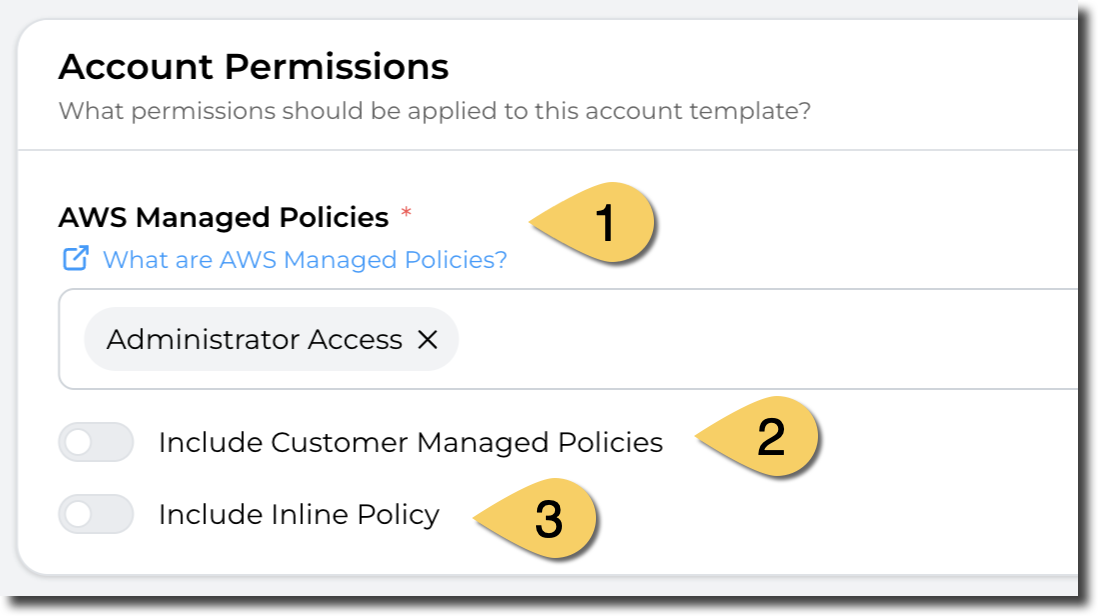
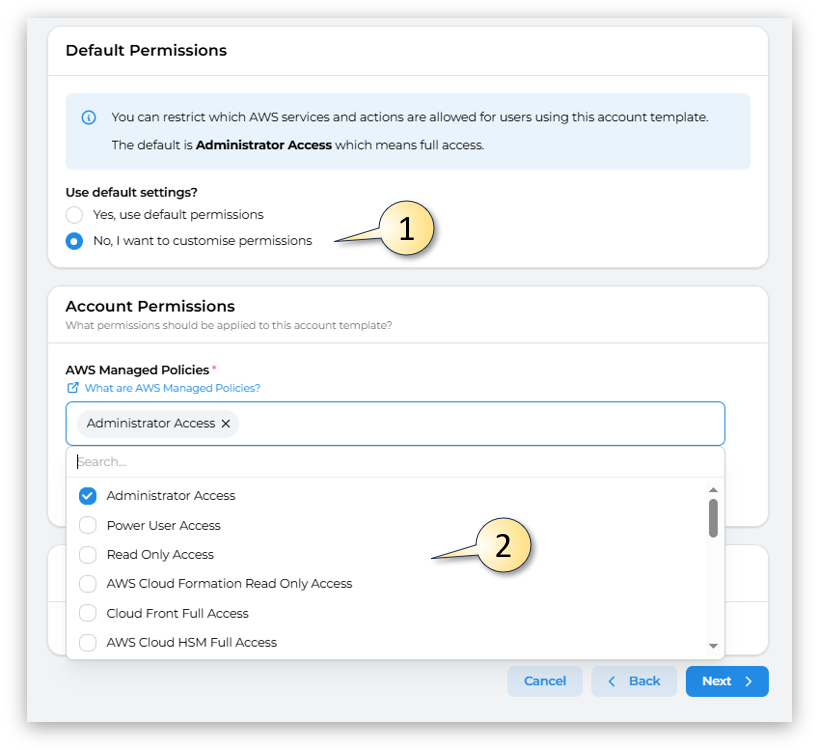
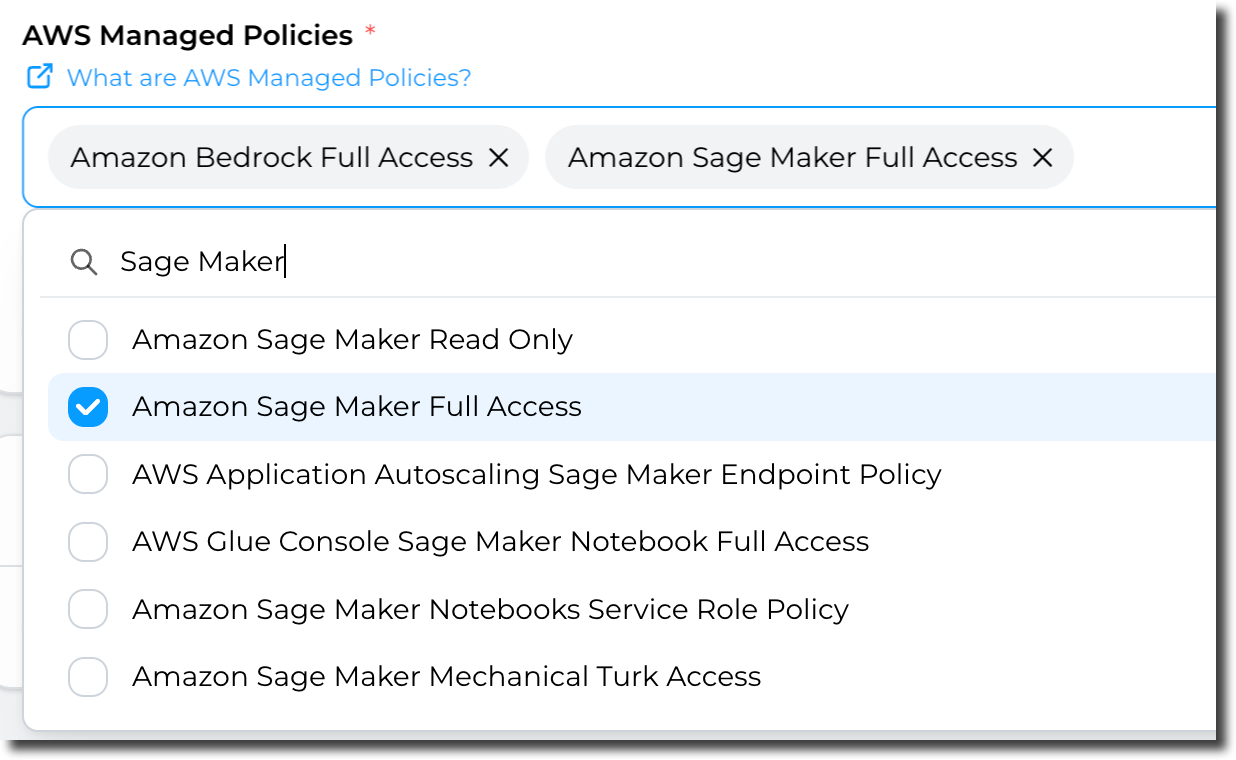
...default, the Administrator Access policy is applied but you can Includeselect one or more policies from the list of AWS Managed policies. More details here about AWS Managed policies: https://docs.aws.amazon.com/aws-managed-policy/latest/reference/about-managed-policy-reference.html
If /you orhave Includepre-defined Inlinepolicies Policyyou (2)manage, you can use them here. More details about Customer managed policies
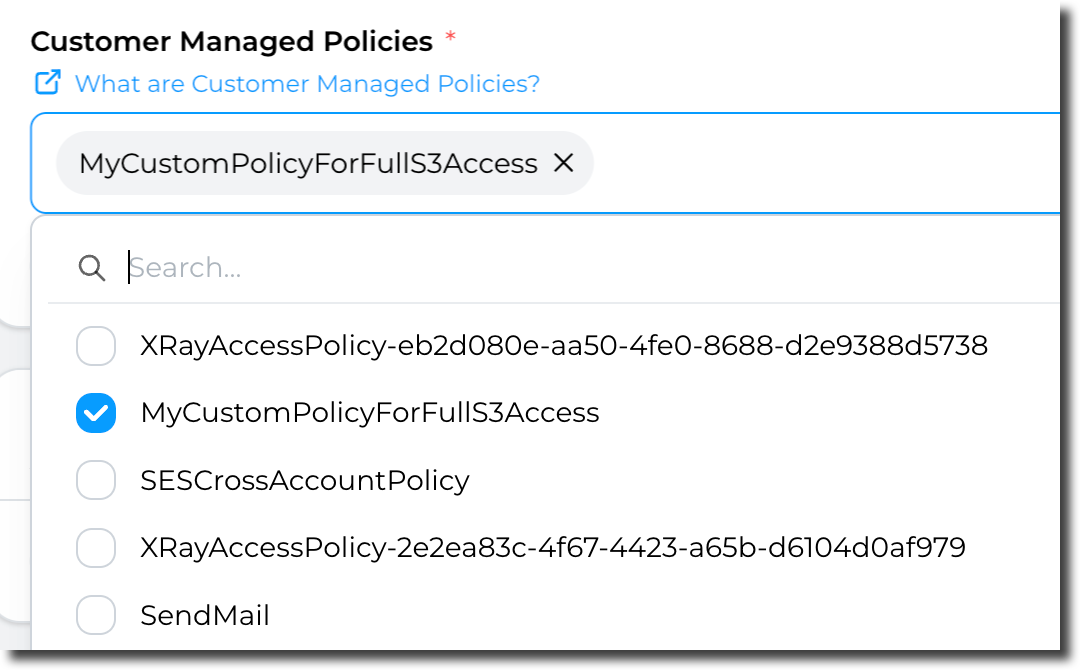
Lastly
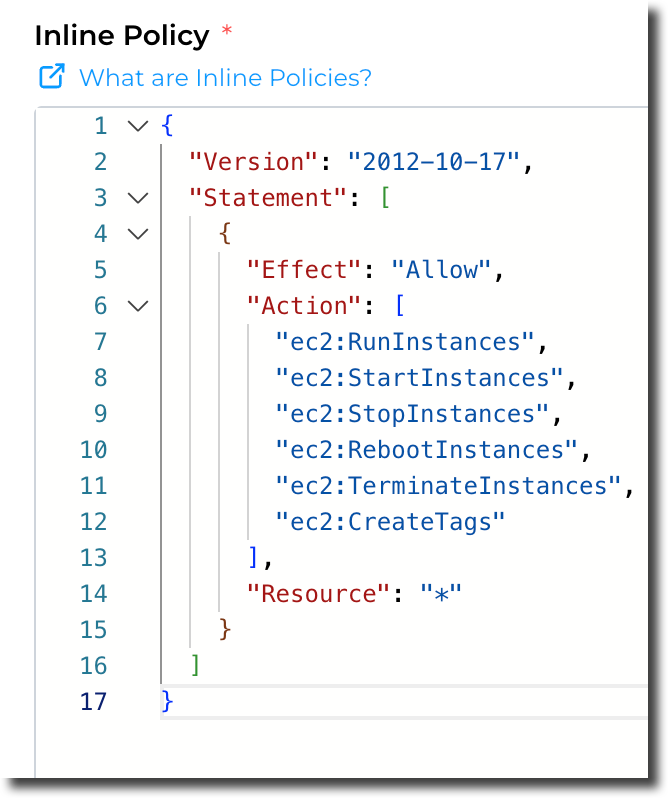
Finally, you can use inline policy (define the access directly in the section). More details about inline policies.
Example:
Permission Boundary:
Finally, and following the same principles as previous options, you have the option to include Permission Boundarys.boundaries. OnMore selectingdetails to Includeabout Permission Boundaryboundaries.
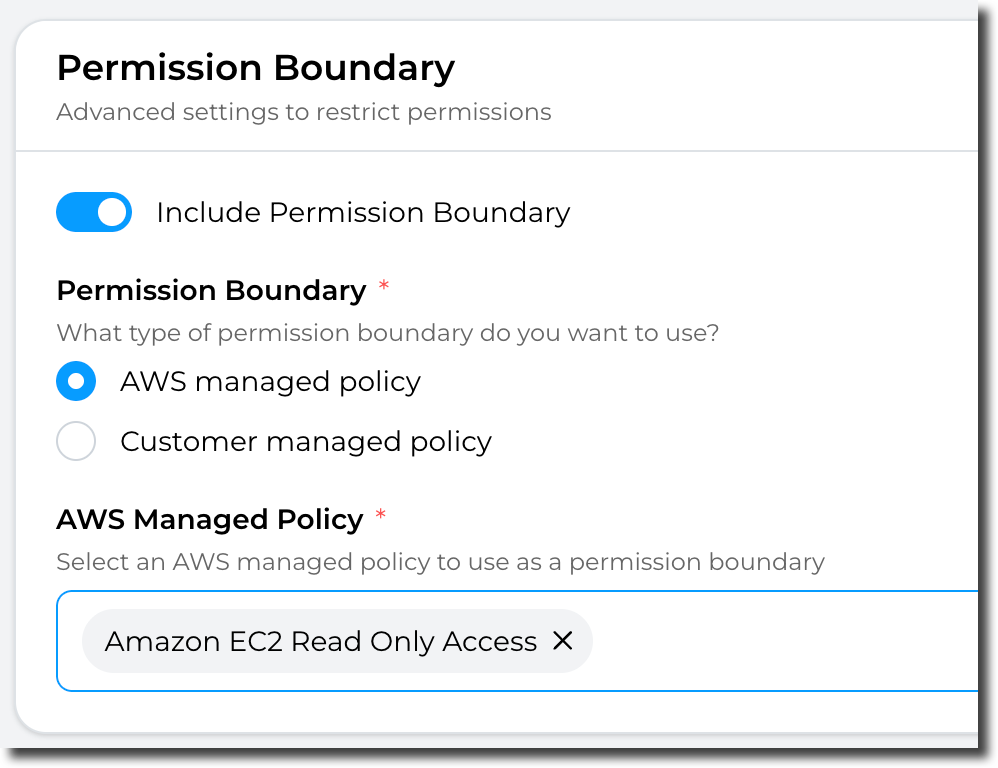
Note: thenPermission boundaries can chooseonly betweenbe (2) an "AWS managed policypolicy" orOR "Customer managed policy" (Not both). In addition, you can only select ONE policy. to apply.
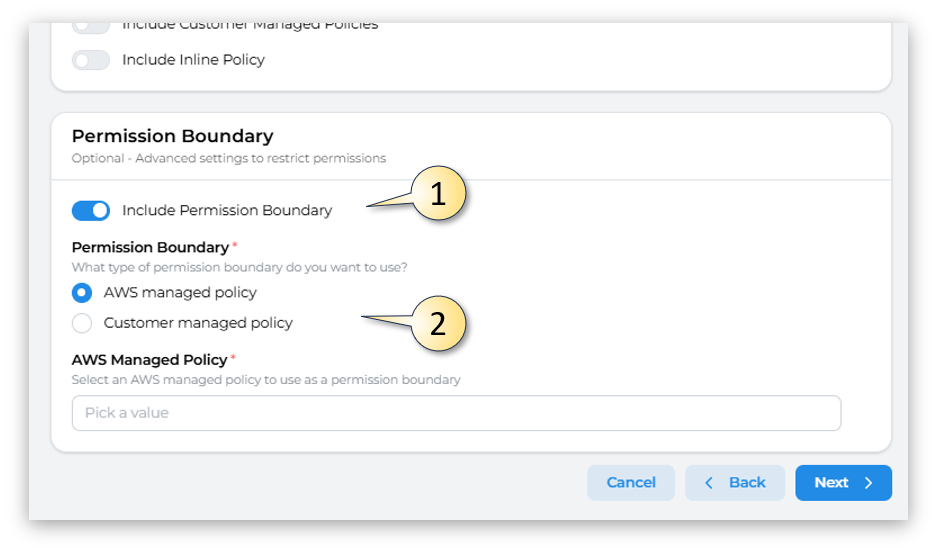
Having completed all the fields on the Permissions page as needed, click on Next to move to sectionAccount 5template creation - Managers