Lease details
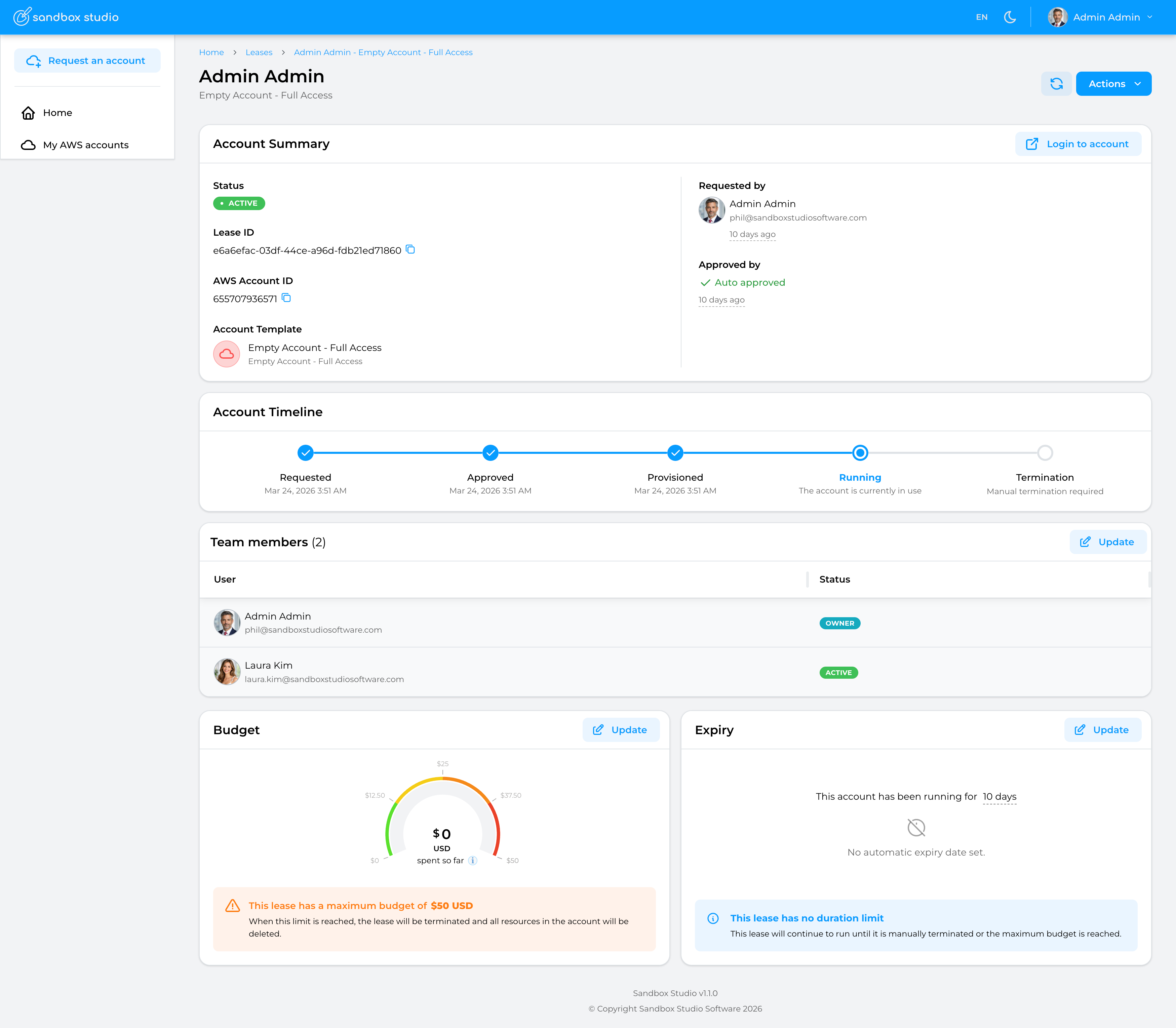
This page describes the different sections of the lease details page:
Account Summary
Account summary contains the basic information about the lease and its associated account:
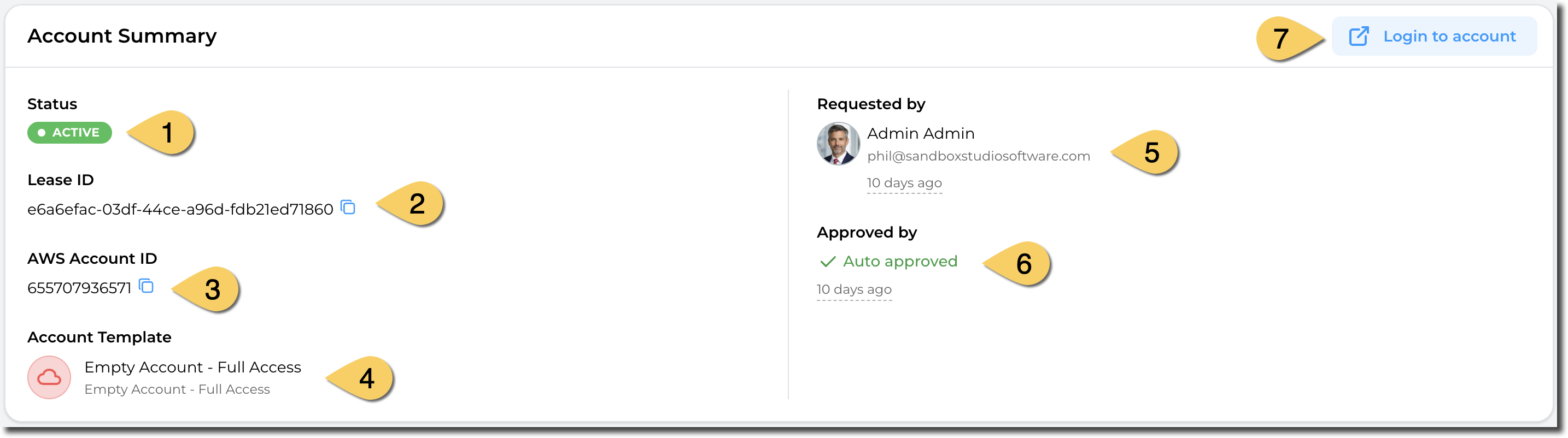
- The Status of the lease. See lease status here
- Lease ID. This is the unique identifier of the lease.
- AWS Account ID: When a lease is active, an AWS account is associated to it. This is the AWS account ID for the current lease.
- Account template used for this lease.
- User who has requested the lease. The lease owner may be different than the requester as managers and administrators can request leases on behalf of other users.
- Approved by: Shows the user who has approved (or rejected the lease). For account templates that do not require approval, the lease it auto approved.
- Login to the AWS account using AWS Identity Center.
Note: When a manager or administrator requests an account for an account template he/she can approve, the lease will be automatically approved.
Account Timeline
The timeline shows you the different stages an account (lease) can go through. It also shows you what current state the account is in.

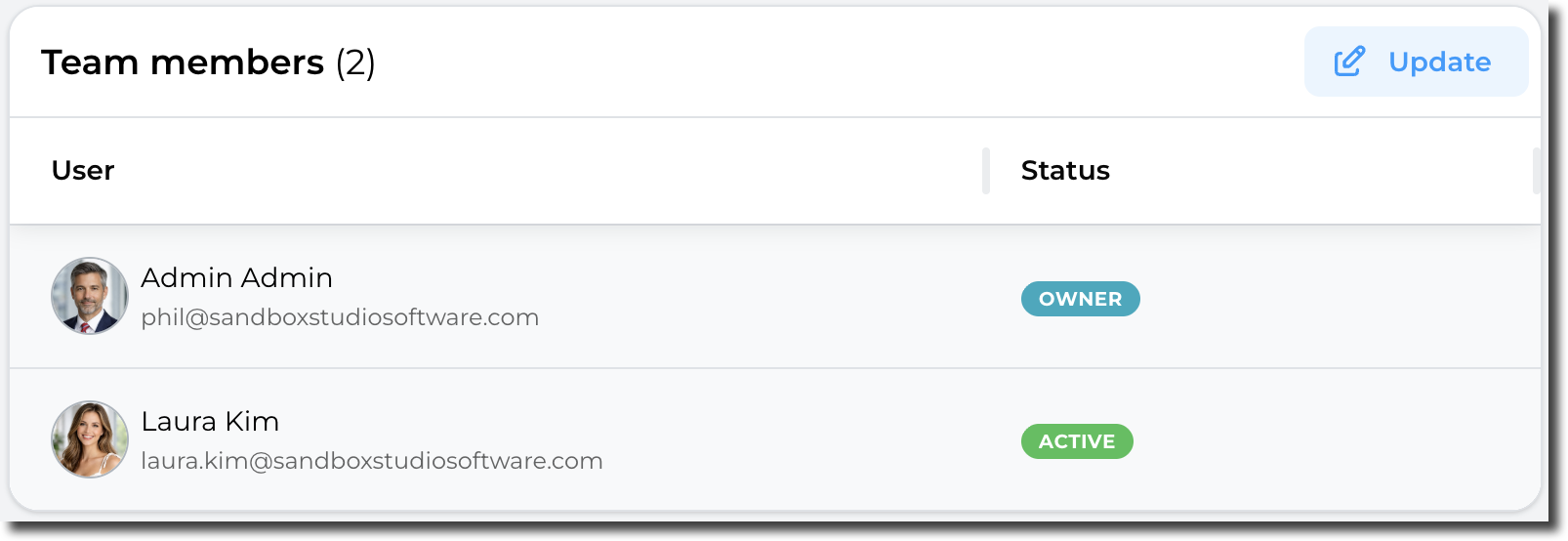
Team members
This sections shows the users who can access this account. If the account template allows team sharing, then the owner (or a manager/admin) can share the account with other users.
The "Status" columns indicates if the share is active (The other user can see and access the lease) or if the account is being shared (Status = "Sharing...").
By clicking on "Update", managers and administrators can share or un-share the account with other users.