
Terminate events
Depending on your event configuration, your event can:can be stopped :
Start immediatelyThe event (and provisioning of the accounts) start when the event is created
Event lifecycle
High level lifecycle of an event is as follows:

The "Provisioning" step (aka "Preparing account") is what can take the longest as this is during this steps the accounts are configured and resources (if any) are created.
For account template creating resources in the accounts, we recommend pre-provisioning the account before the event starts as otherwise, the provisioning step will count towards the event duration.
A concrete example:
Let's assume you event must run for 2 days and you have 50 participants. Each account preparation takes 1 hour.
By default, AWS Codebuild (used to create resources in the accounts) is limited to 15 concurrent executions. So you could only parallelise 15 accounts provisioning.
In total:
15 accounts x 1h + 15 accounts x 1h + 15 accounts x 1h + 5 accounts x 1h = 4h to provision all accounts.So your users will have to wait for all the accounts to be created before accessing the event!
StartingStoping an event manually
Open the event and click on the "StartTerminate event":
IfAll the accounts have not been provisioned manually, theyleases will be automaticallyterminated, users will be whennotified, the event starts.
Pre-provision accounts
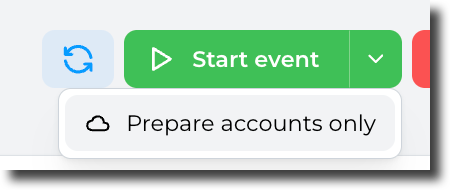
If you want to prepare theand accounts before the event starts, click on the small arrow in the "Start event" button and select "Prepare accounts only":
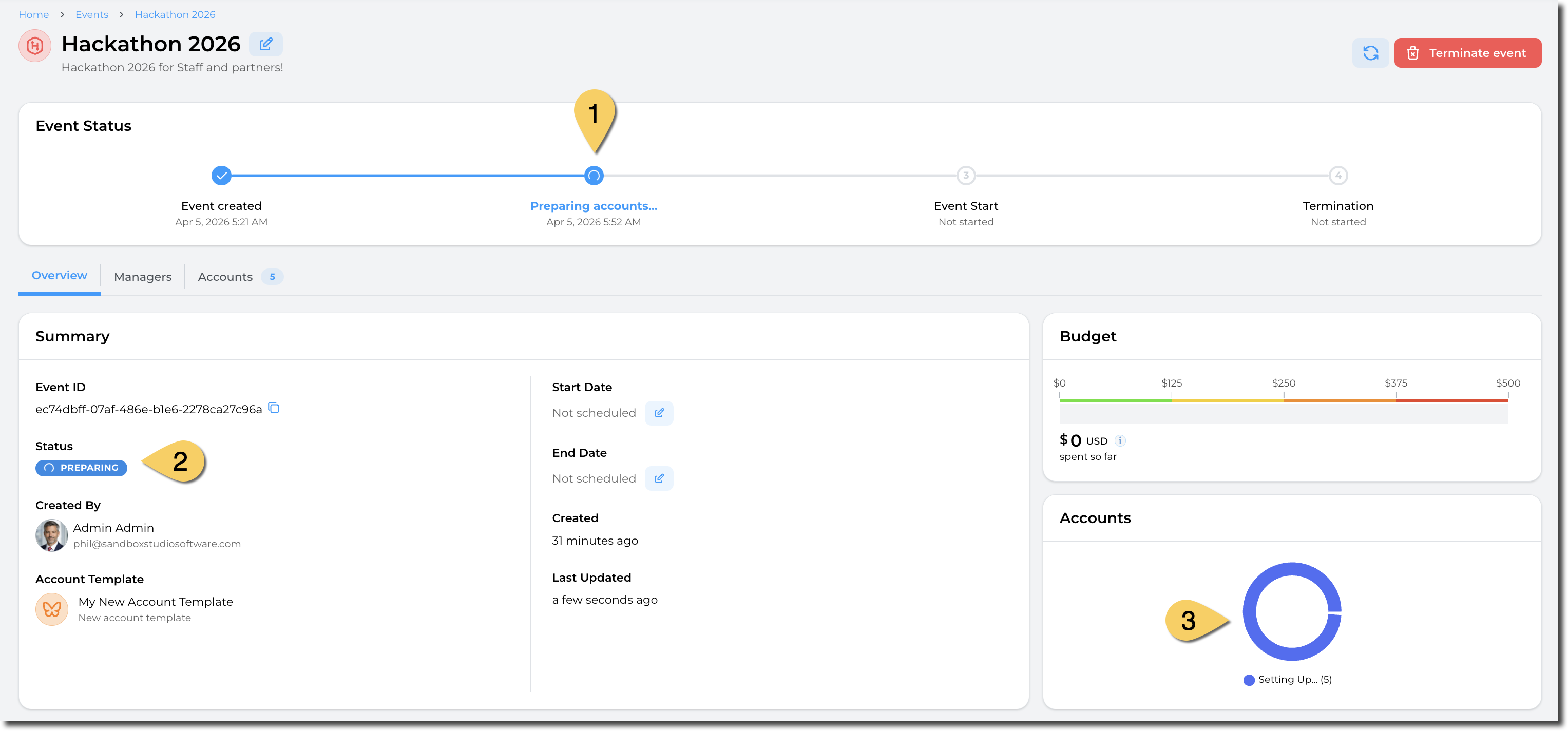
This will trigger the accounts preparation:
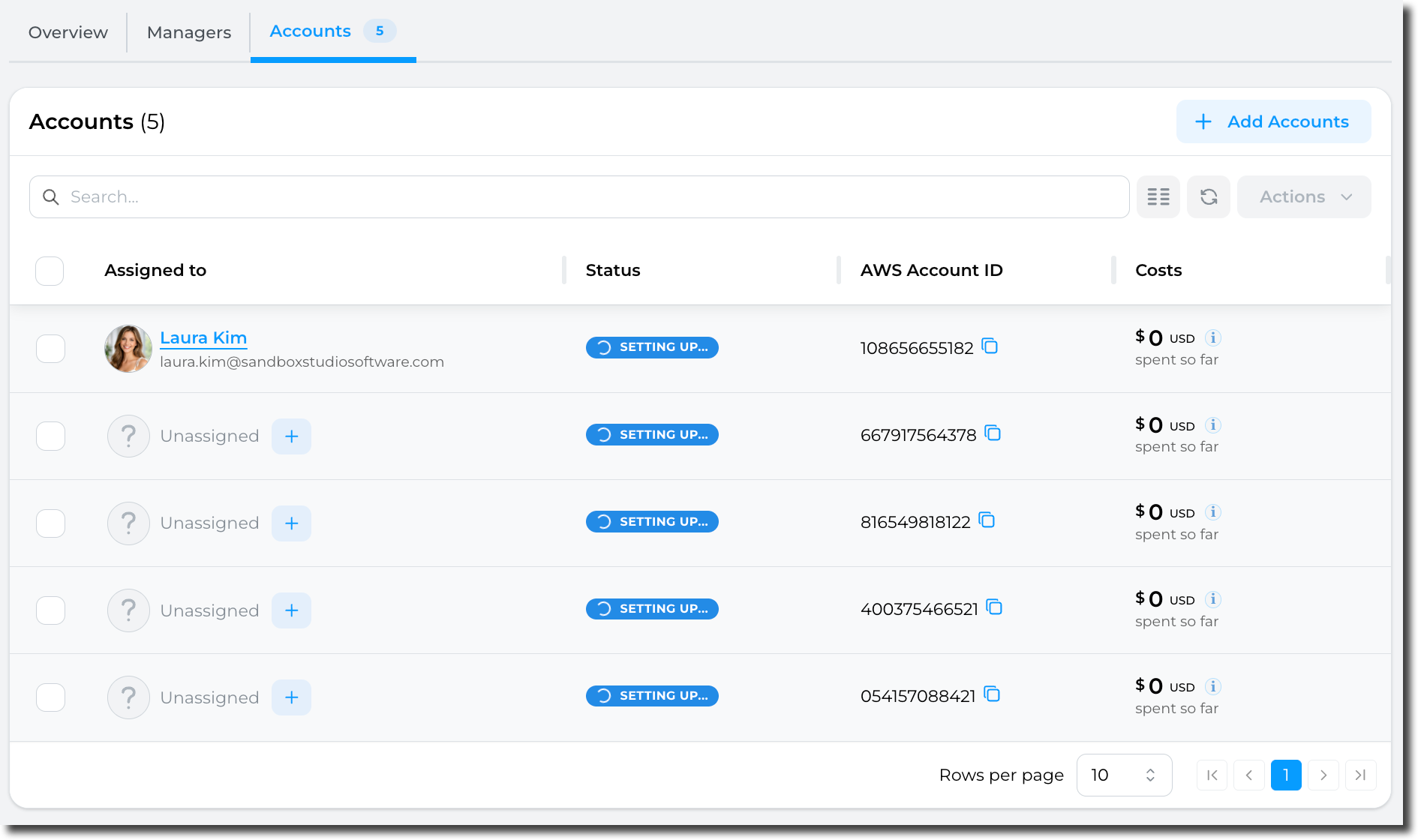
You can follow progress byare going to thecleanup "Accounts"before tab:
After a few minutes (depending on your launch template), the event is readyreturning to start:
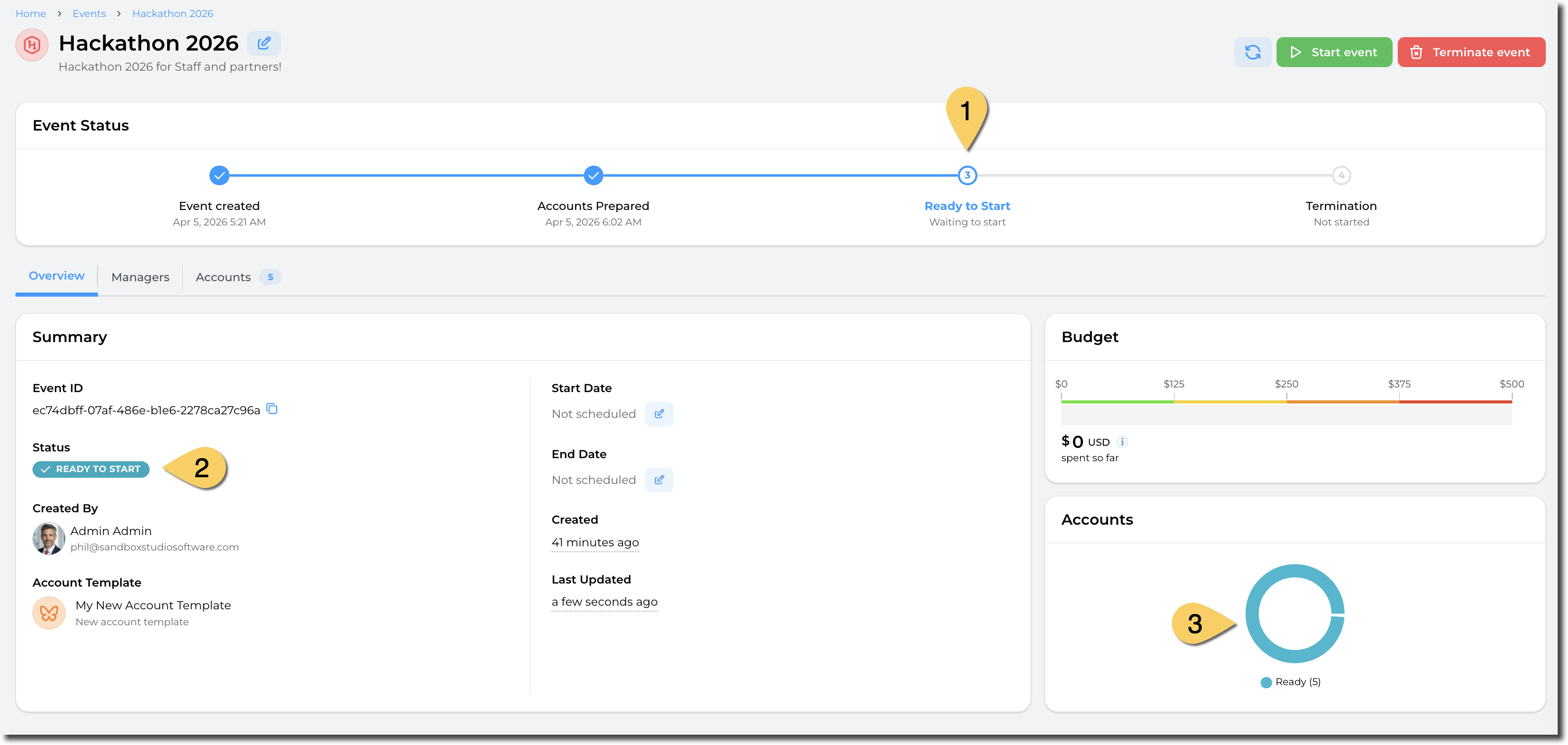
You can now start the event!