
Filtering leases
Filter by lease status
AsFrom athe Manager,leases page, you can see and manage leases. To have management access to leases, you need to:
Note: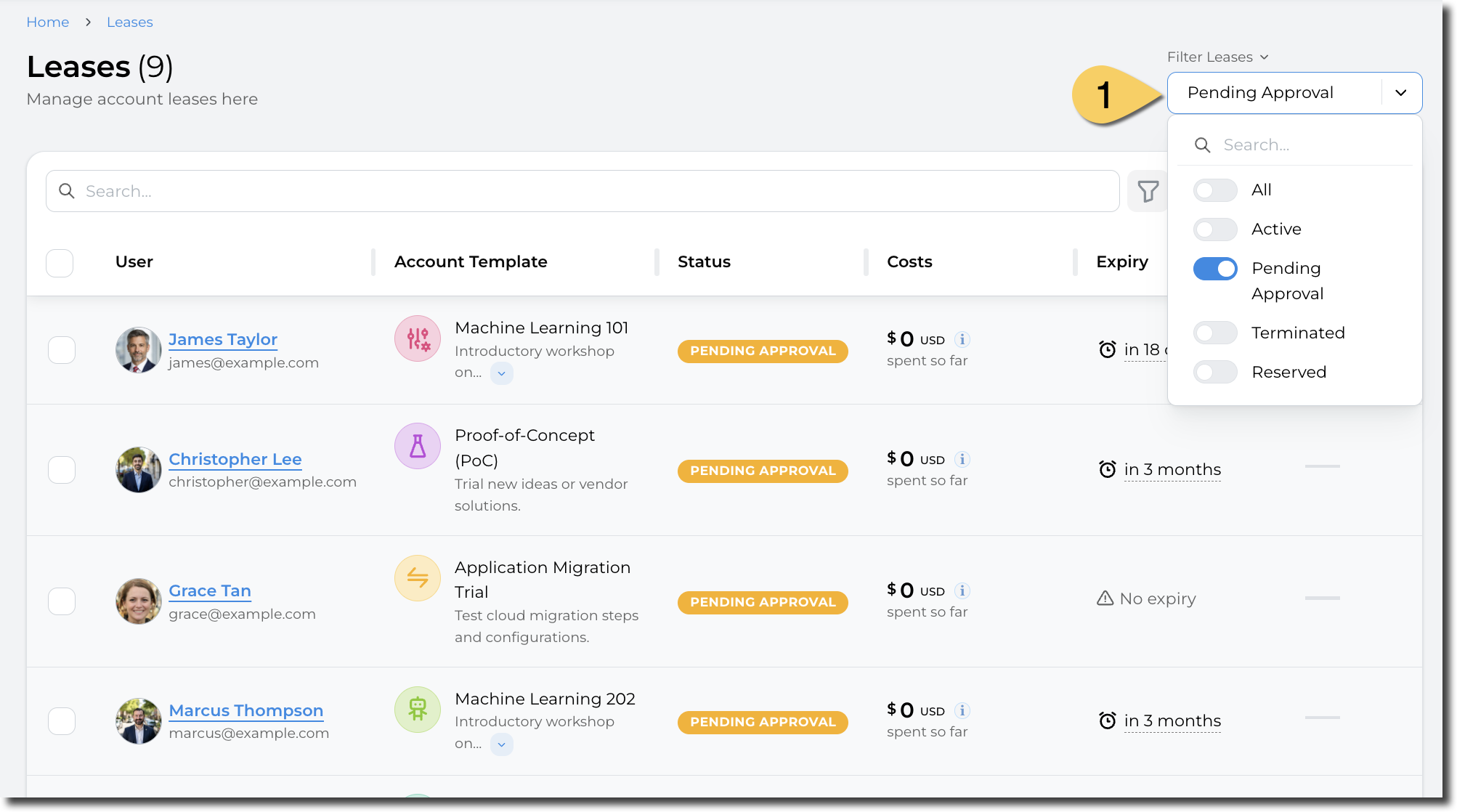
Filter haveby fullother permissionsfields
You can seealso filter by all leases.
fields displayed in the table. This allows, for example, to filter on a particular event, budget, or account template. To access leases,this filter, click on the "Leases"filter linkicon inat the lefttop menu:of the table:
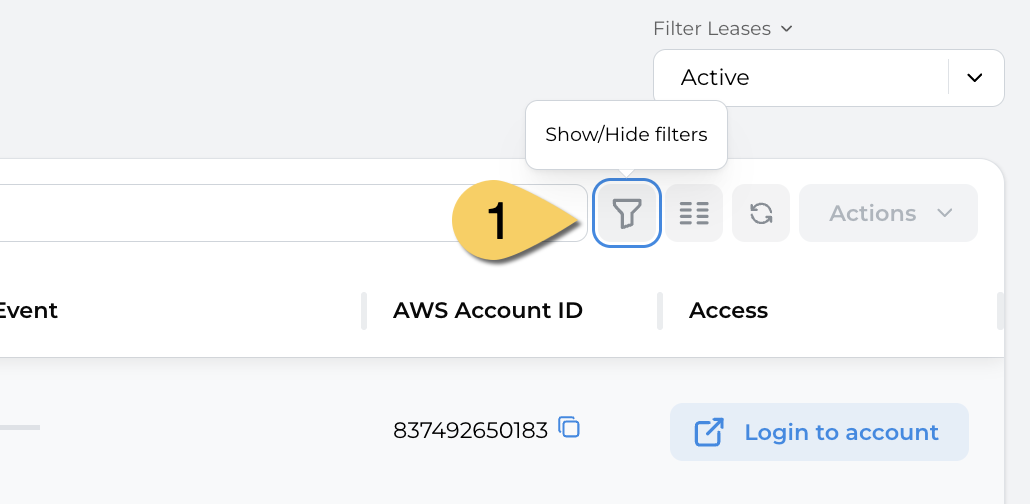
This displays theThe list of filters will appear.
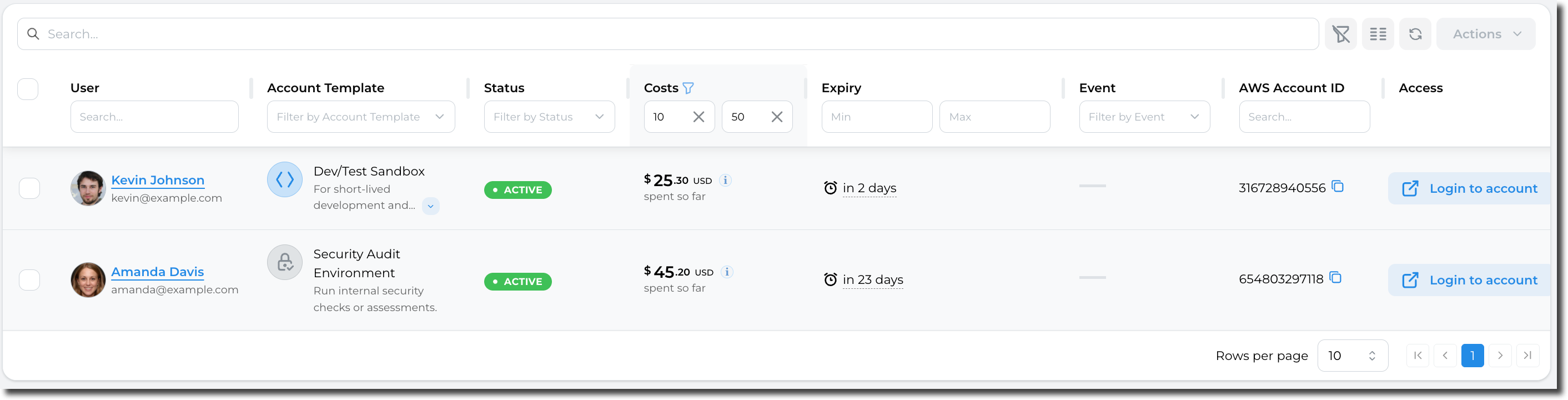
For example, filter leases thathaving aretheir currentlycurrent beingcost usedbetween (Status$10 Active,and Locked, or Pending Approval):$50:
For fields with finite values (i.e. "Account template"), a searchable dropdown will be displayed: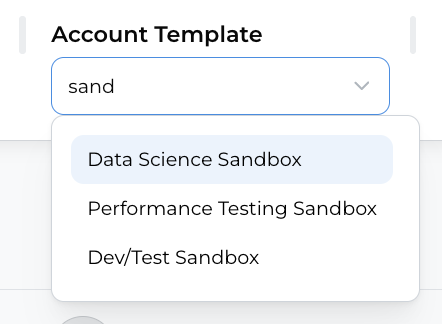
If you close the Filter menu, but still have some filters applied, an icon will be displayed on the columns being filtered:
