Event creation - Schedule
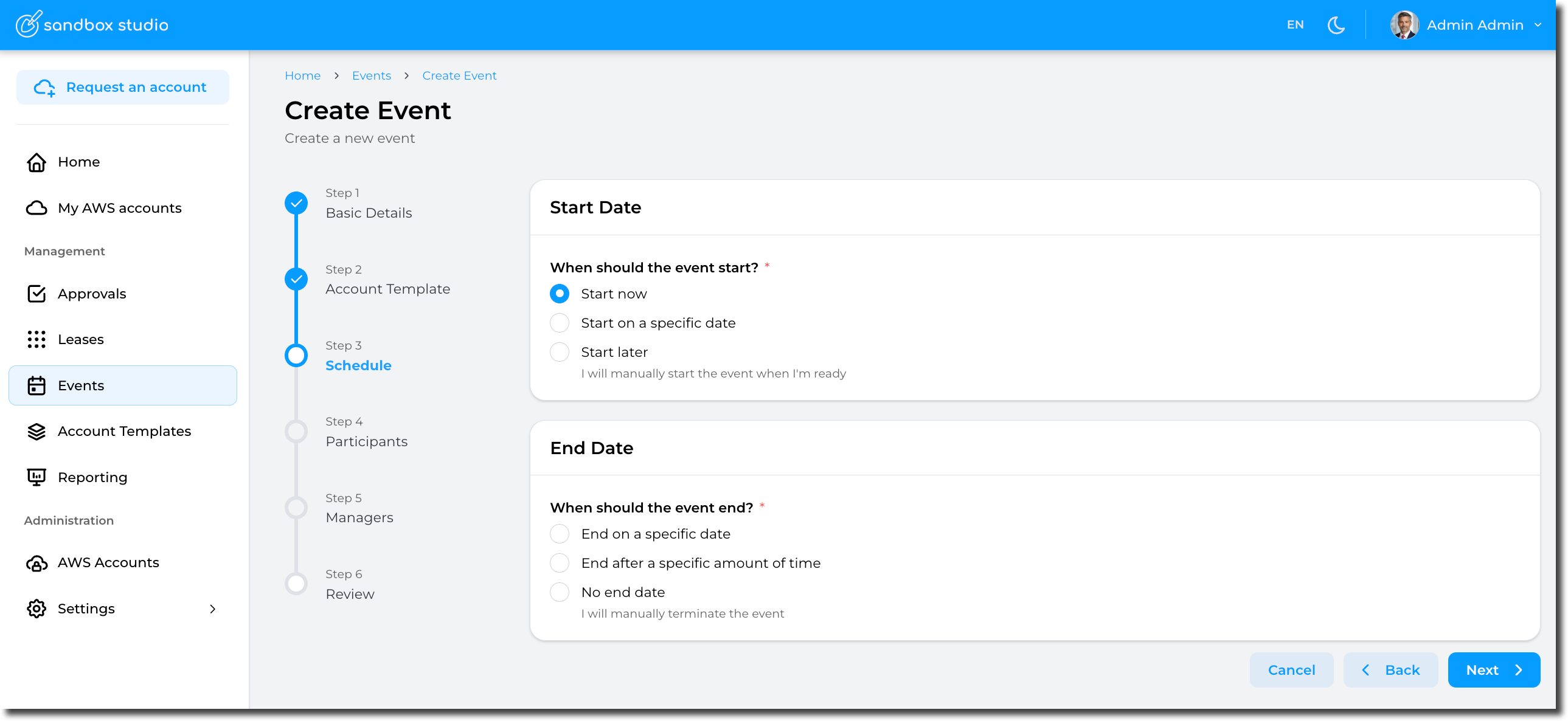
This steps define the schedule of an event.
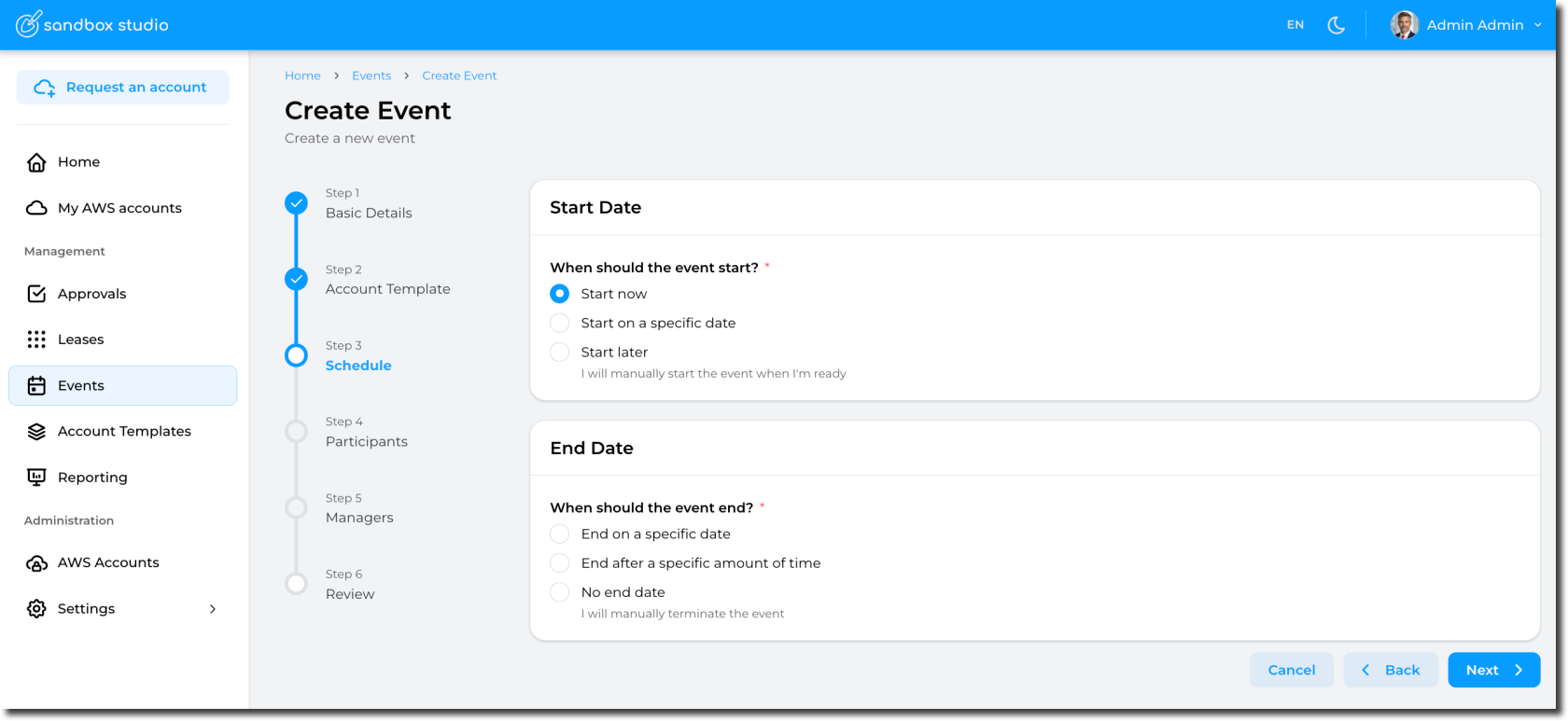
Schedule are defined as follows:
Start Date
Start now
Selecting this option will automatically provision the accounts (aka, create leases) and start the event.
Pros: Easy, the event starts immediately and you can start right away!
Cons: If your account template provisions resources in the account, you will need to wait for the accounts to be ready before accessing them. This provisioning time counts towards your event duration
Start on a specific date
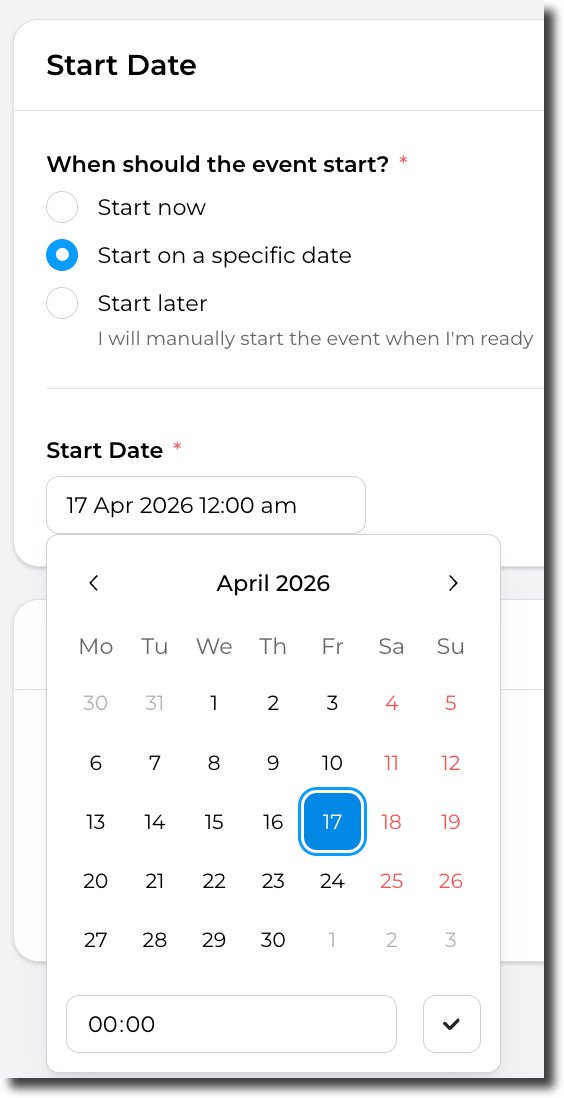
You can set the event to start on a specific date (and time) you define. This is particularly useful is you want to schedule an event to start automatically in the future.
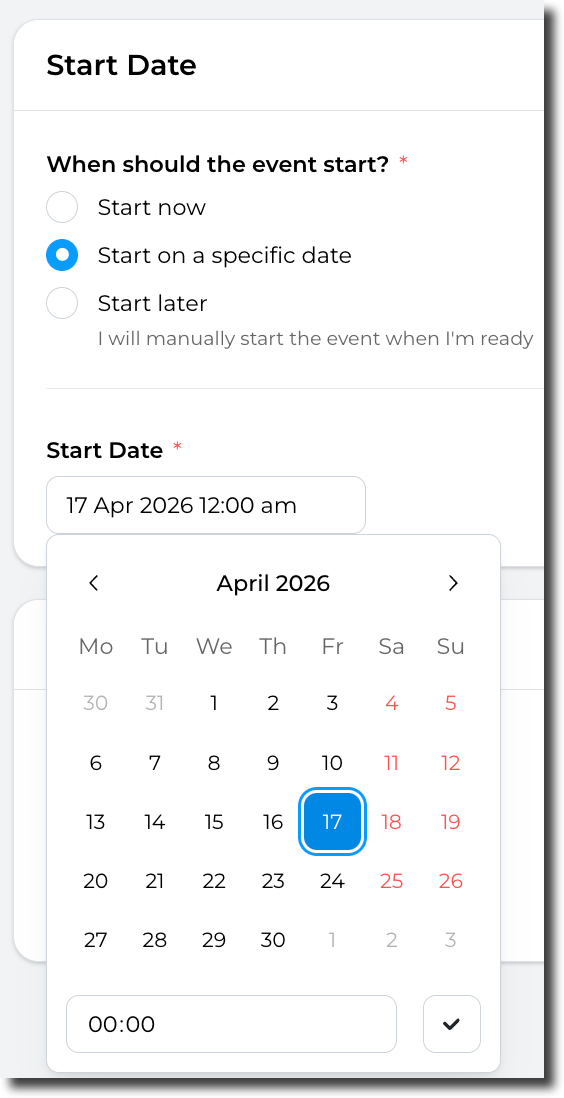
Pros: "Set and forget", the event will automatically start at the date/time of your choice. This option also allows you to pre-provision the accounts before the event starts, so you don't have to wait for the resources to be created in the accounts.
Cons: Not much! But as per the "Start now" option, If your account template provisions resources in the account, you will need to either pre-provision the account manually before the start of the event or wait for the accounts to be ready before accessing them.
Start later
You can chose not to start the event automatically. In this instance, you will have to start the event manually.
Pros: No rush! You can take your time to create and configure the event. You can also update this value later if you finally decide to start the event automatically.
Cons: The event won't starts automatically, so you will need to start it manually.