
Uninstall Sandbox Studio
Introduction
This wizard has been created to facilitate the uninstallation of Sandbox Studio in your environment. It automates as many steps as possible and deletes the data managed by the solution.
Running the wizard
bash <(curl -s https://dist.sandboxstudiosoftware.com/install.sh) --uninstallThe following should display:
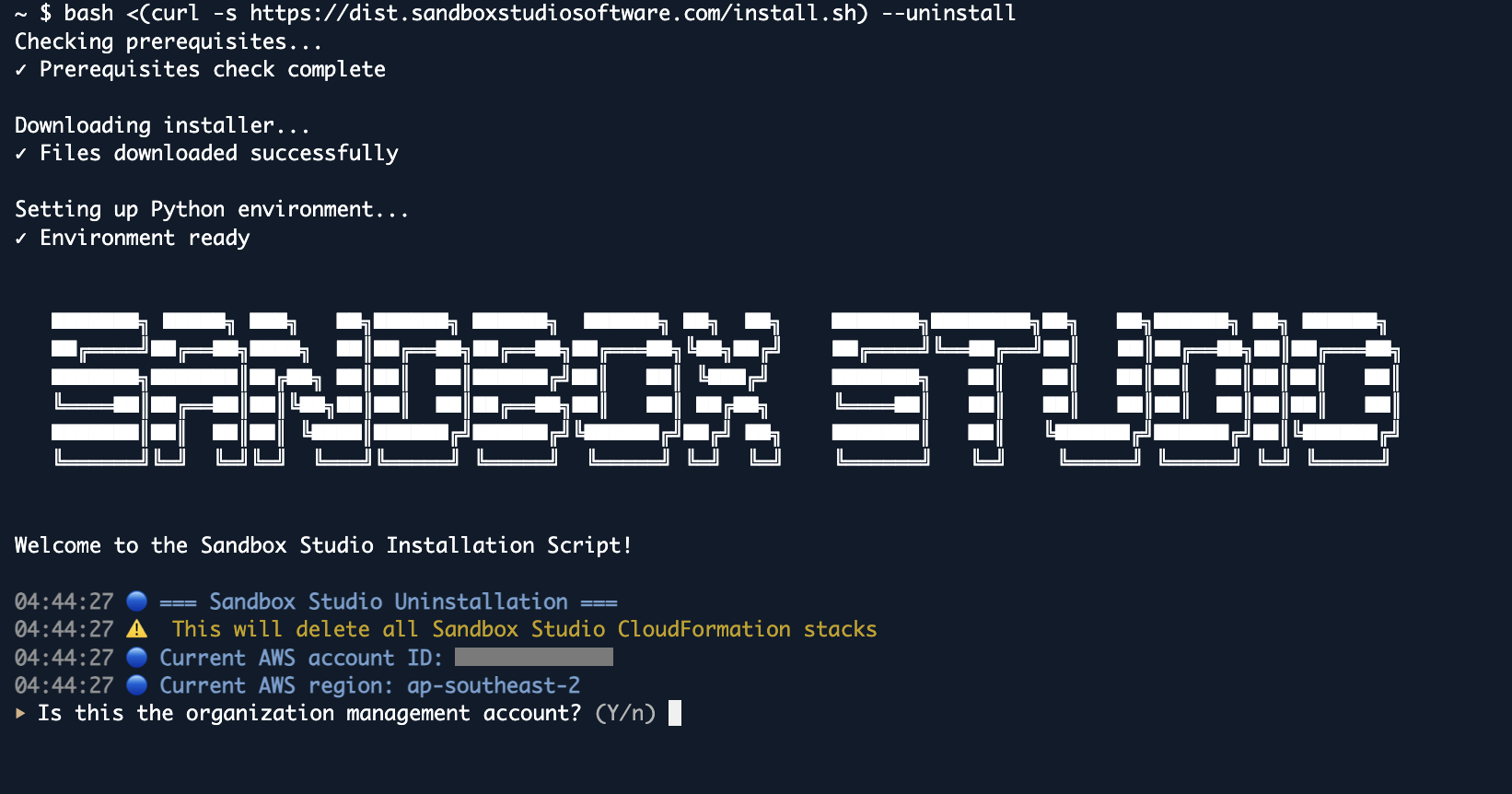
The wizard will guide you through the uninstallation process.
In some circumstances, some resources are not being deleted by CloudFormation. The uninstallation script will retry automatically. If after the retry the resources are still not being deleted, delete the resources manually before restarting the script.