
Running the Installation Wizard
Running the Installation Wizard
Introduction
This wizard has been created to facilitate the installation and deployment of the Sandbox Studio solution in your environment. It automates as many steps as possible and checks for prerequisites before the installation.
Prefer an unattended, scripted installation? You can skip the interactive prompts and provide all settings up front using a configuration file. See Non-interactive installation (Configuration file).
Running the wizard
- Login to your AWS Organisation Management account.
- Open a new CloudShell console (a link to open CloudShell can be found in the bottom left corner of the AWS console).
- Ensure you are in the region where you want to install Sandbox Studio.
- Run the following command:
bash <(curl -s https://dist.sandboxstudiosoftware.com/install.sh)
The following should display:
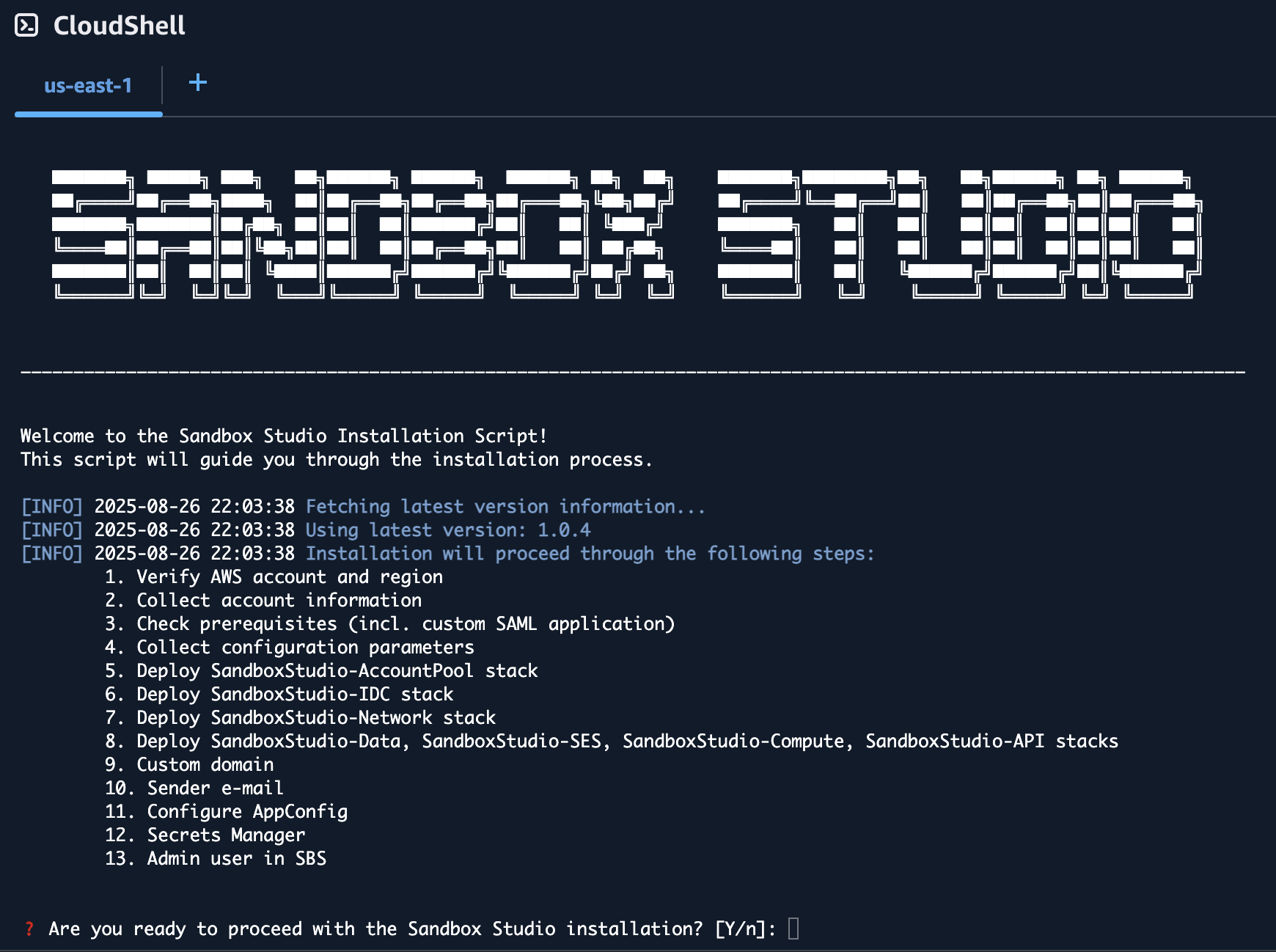
The wizard will guide you through the installation process.
Do not use your root account to run this script as it will fail and does not follow AWS best practices!
Prerequisites
The wizard will automatically check for prerequisites. If any of the prerequisites are not met, the wizard will display the URL to the right documentation to help you configure your environment. See Installation Prerequisites page for more details.
Inputs
The installation wizard will ask you to set/confirm a set of input parameters during the installation process:
`us-east-11`).MySs`us-east-1,eu-west-11`). Defaults to the chosen region. See [Choosing your region(s)](https://docs.sandboxstudiosoftware.com/books/installation-guide/page/choosing-your-regions "Choosing your region(s)").Defaults to <Namespace>_SsAdminsGroup
If you are integrating with an external identity provider such as Microsoft Entra, see External identity provider setup (Optional).
<Namespace>_SsManagersGroupThis is the **"Managers"** group for users who oversee day-to-day sandbox usage within a department or team.
If you are integrating with an external identity provider such as Microsoft Entra, see External identity provider setup (Optional).
<Namespace>_SsUsersGroupIf you are integrating with an external identity provider such as Microsoft Entra, see [External identity provider setup (Optional)](https://docs.sandboxstudiosoftware.com/books/installation-guide/page/external-identity-provider-setup-optional "External identity provider setup (Optional)").
`0.0.0.0/1,128.0.0.0/11`). Restrict to corporate ranges if needed.`sandboxstudio@example.comcom`.Deployment time
The deployment of the Sandbox Studio solution with the script should take around 1 hour.
Make sure your session timeout is at least 2 hours for during the installation of Sandbox Studio.