Filtering leases
Filter by lease status
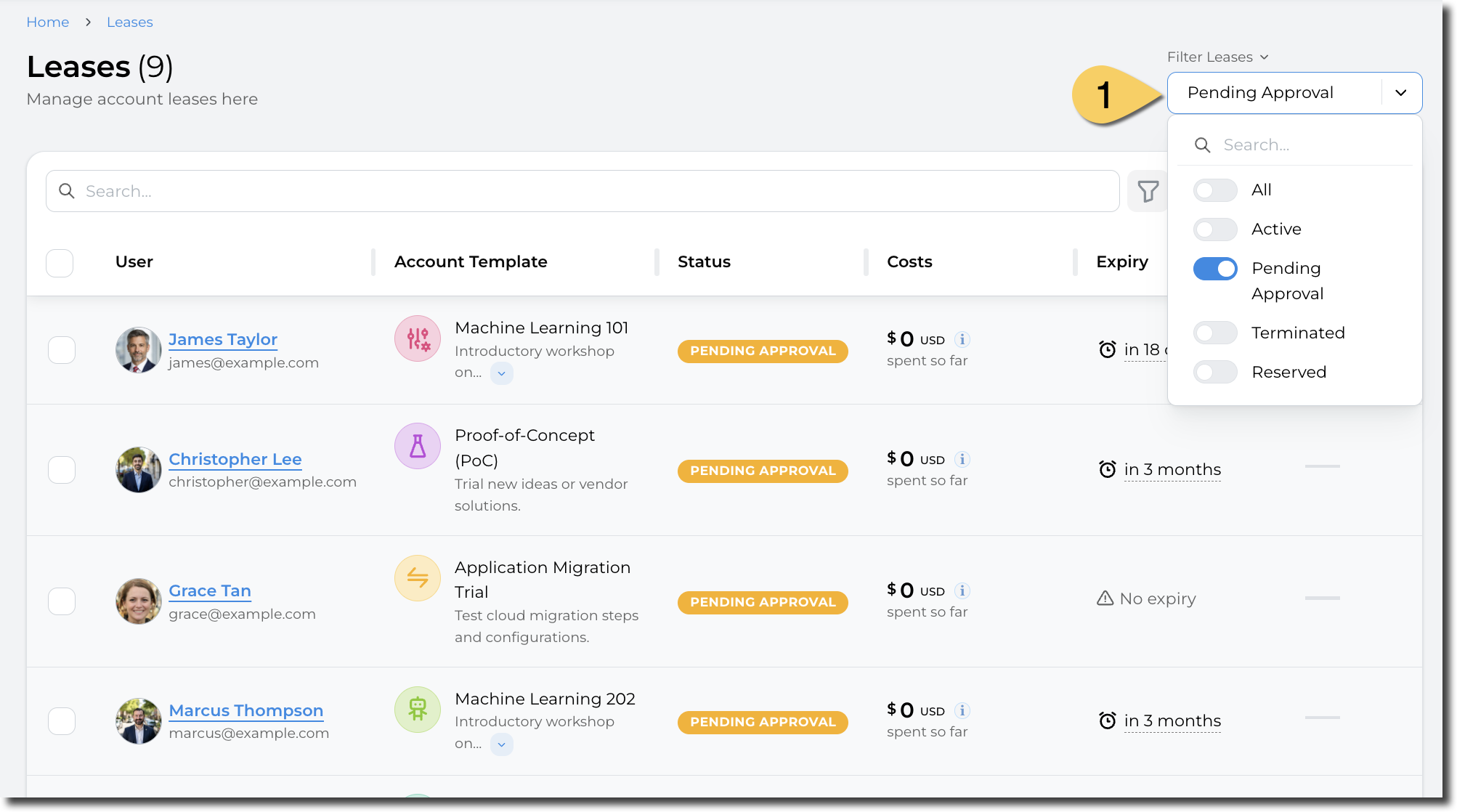
From the leases page, you can select the status of the leases you want to display. Example, only showing "Pending Approval" leases:
Filter by other fields
You can also filter by all the fields displayed in the table. This allows, for example, to filter on a particular event, budget, or account template. To access this filter, click on the filter icon at the top of the table:
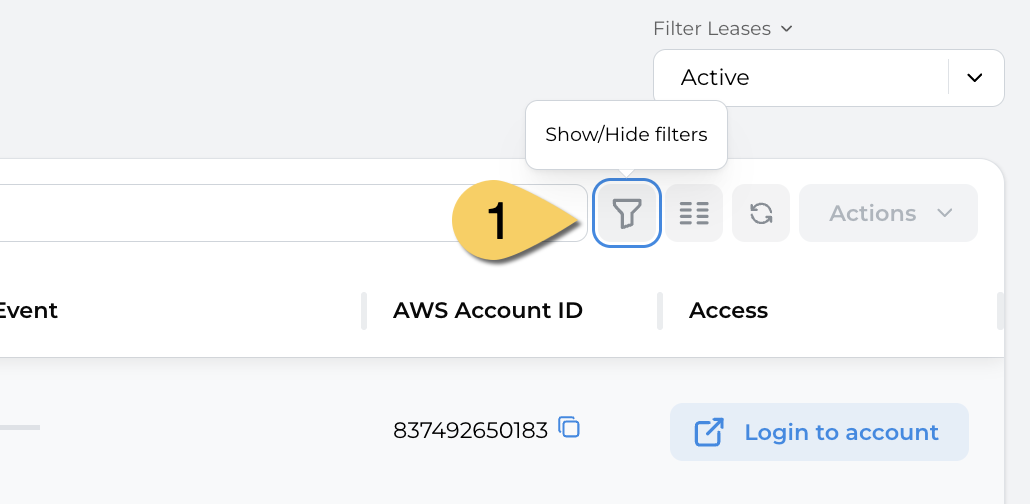
The list of filters will appear.
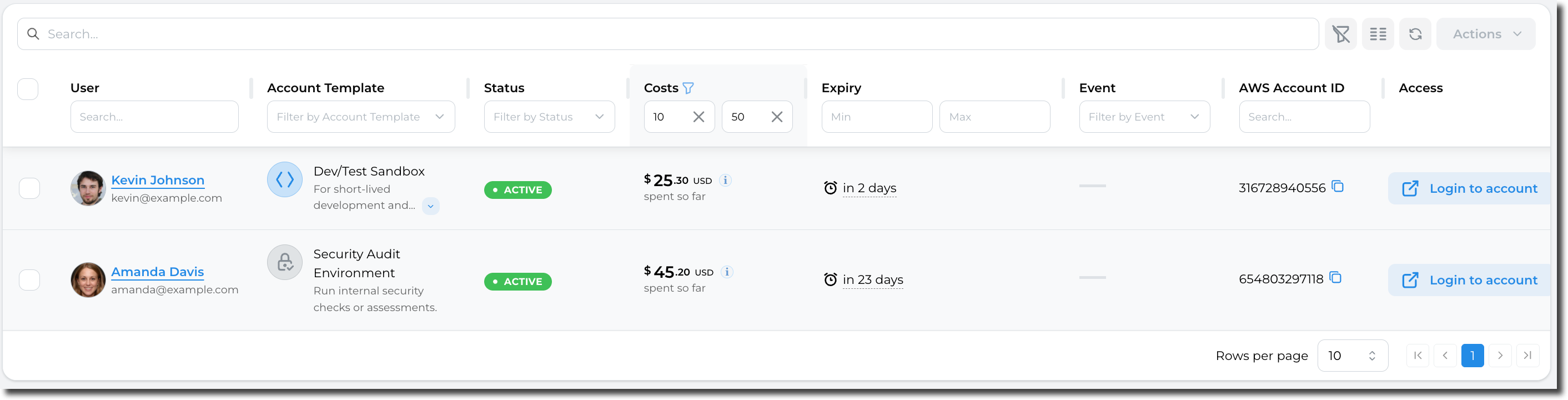
For example, filter leases having their current cost between $10 and $50:
For fields with finite values (i.e. "Account template"), a searchable dropdown will be displayed: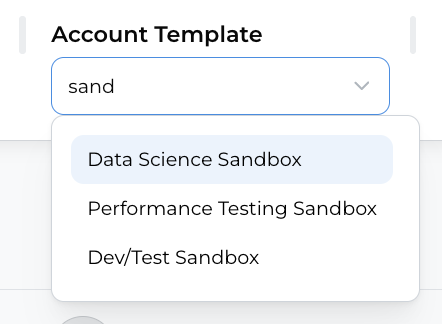
If you close the Filter menu, but still have some filters applied, an icon will be displayed on the columns being filtered:
